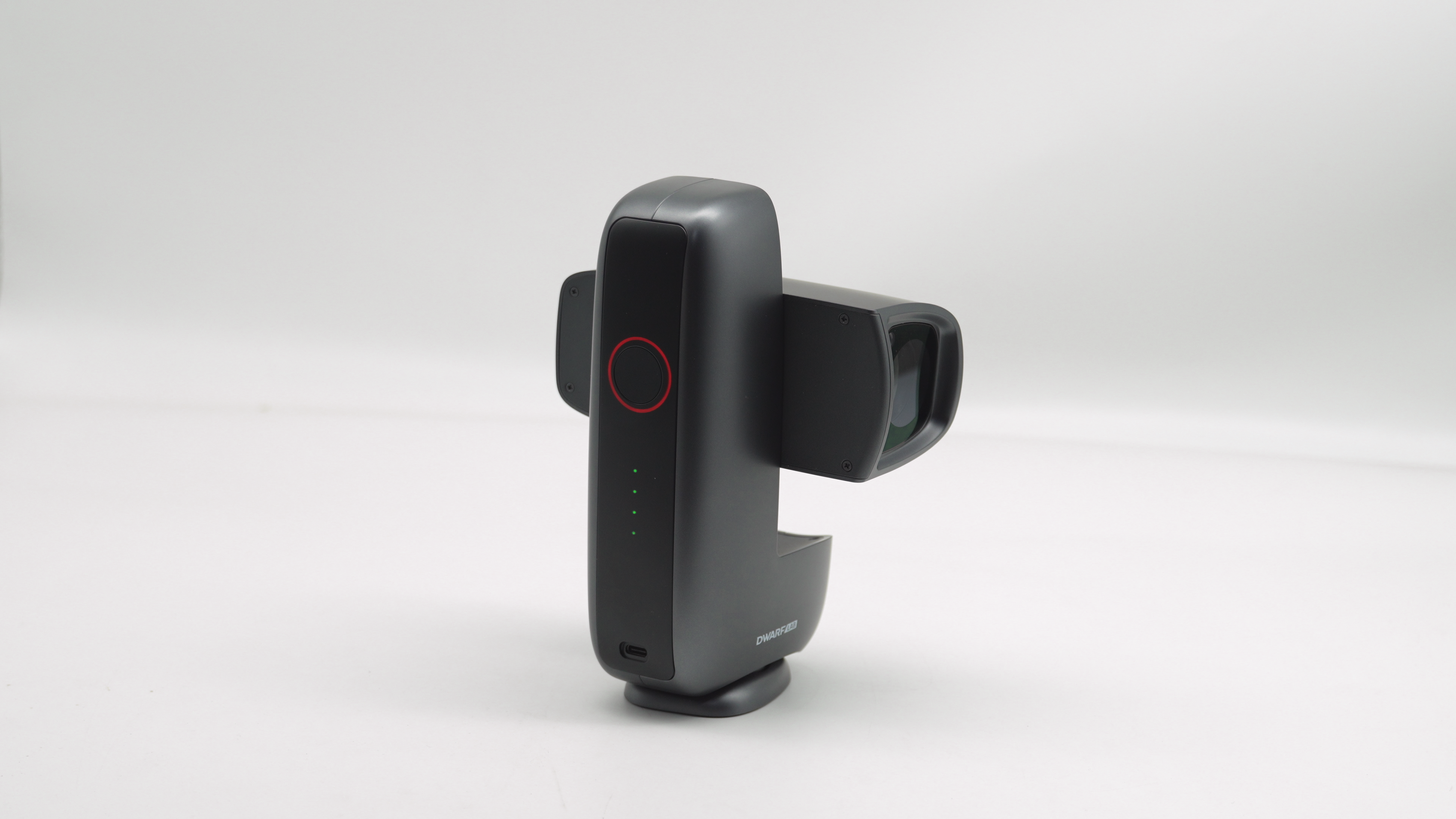
DWARF mini Lighting Effects
- Last updated
- Character count
- 1027 characters
- Reading time
- 2 min
Note: Switching the shooting mode on the app will not change the lighting effects. The lighting effects will only change after the shooting starts and ends.
1. Power on/off
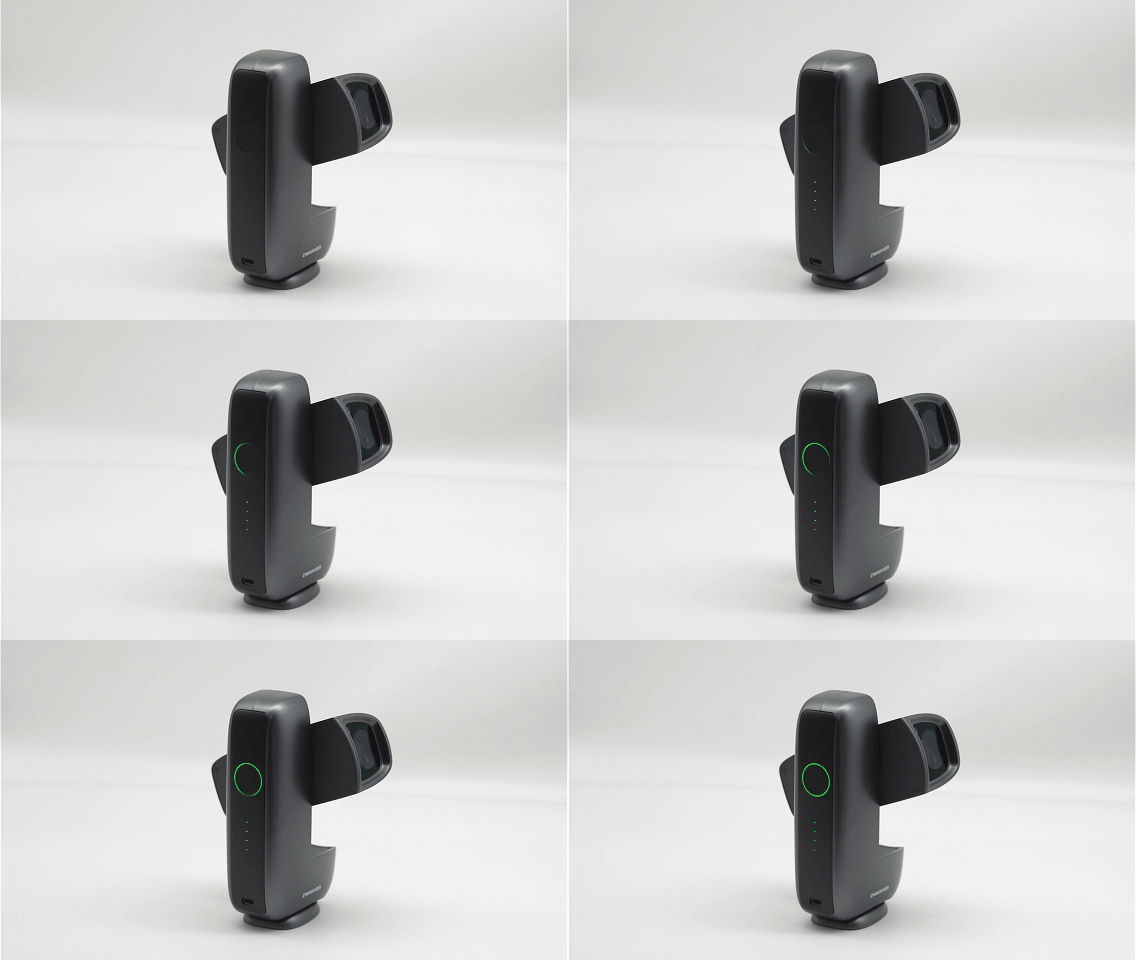
1.1 Start up
Status: The green circular light will rotate and breathe in turn
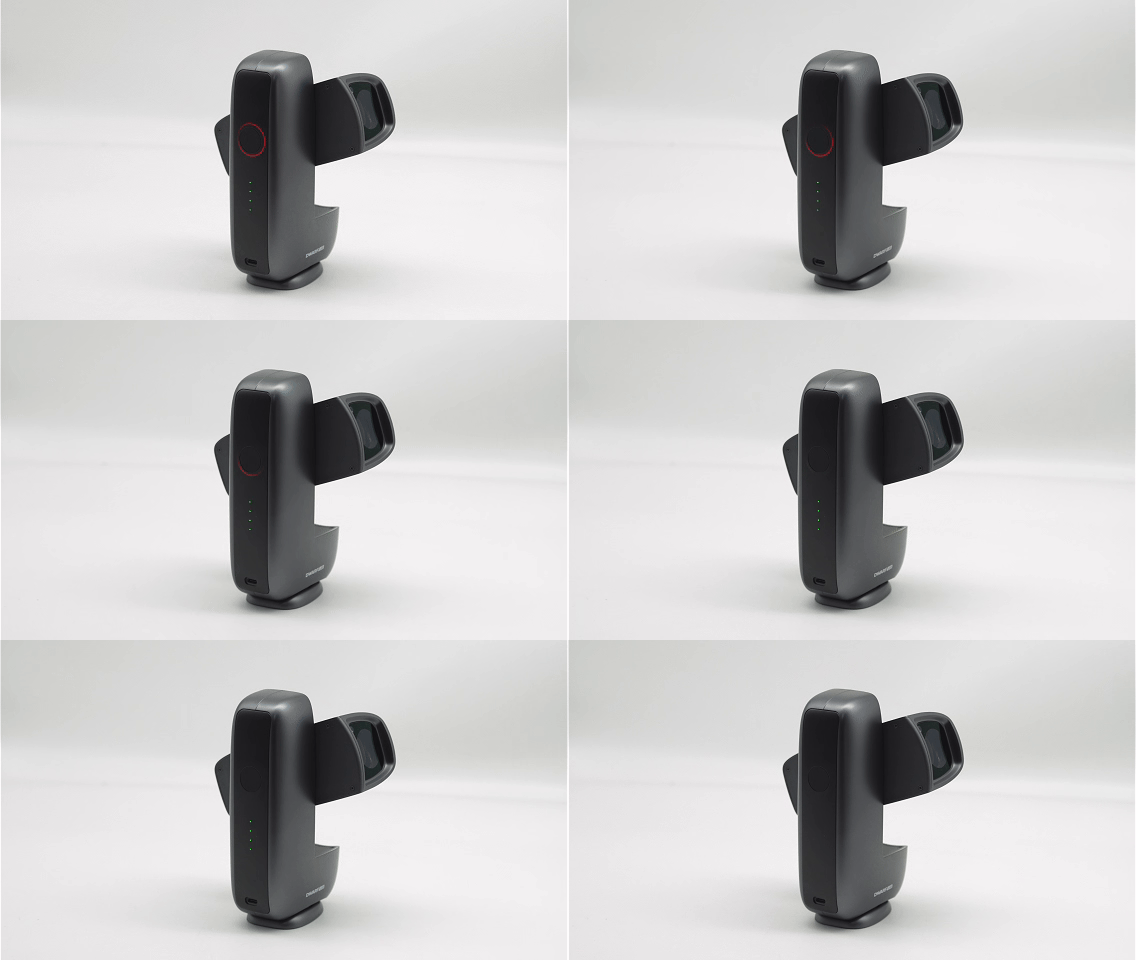
1.2 Shut down
Status: The red circular light is gradually extinguished
2. Connect
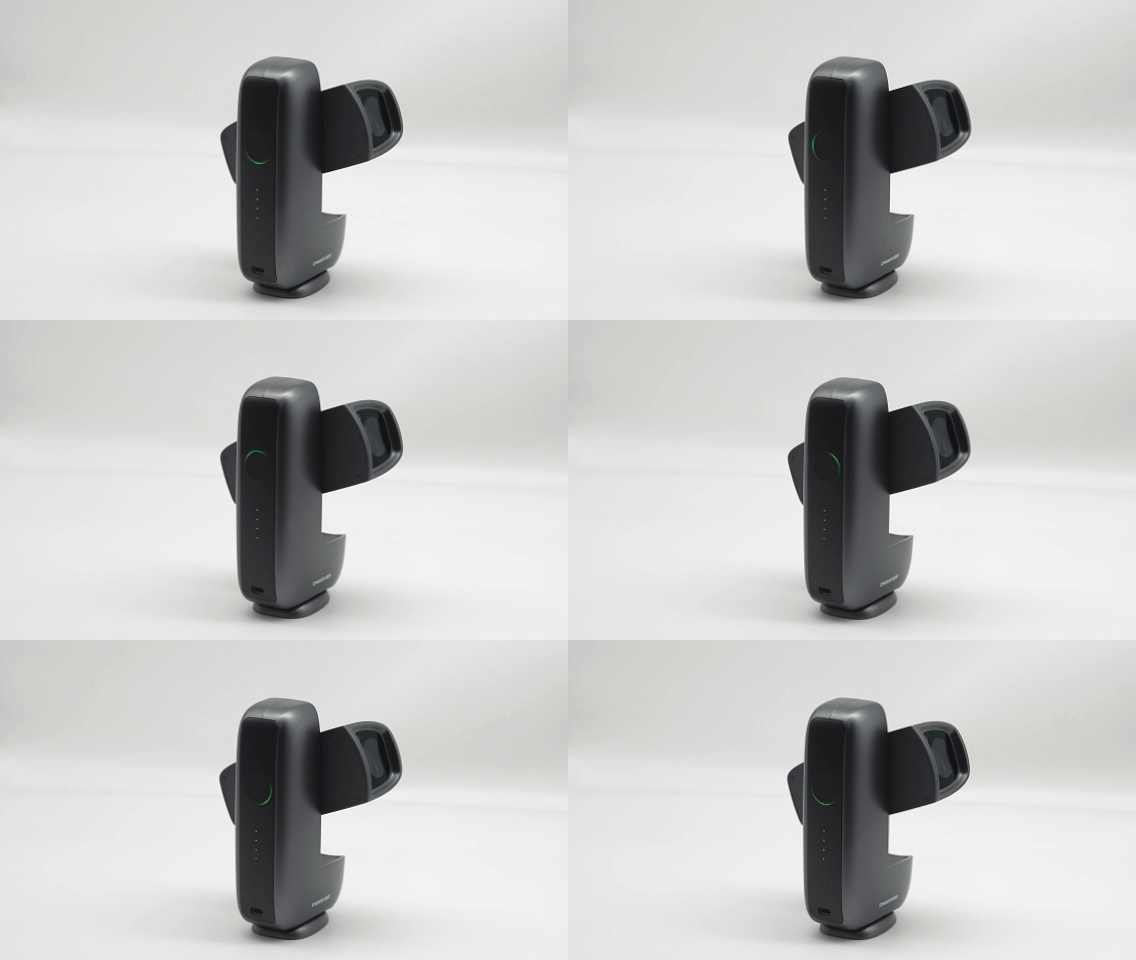
2.1 To be connected
Status: Green light strip rotating
2.2 Connected
Status: Green light strip solid/always on
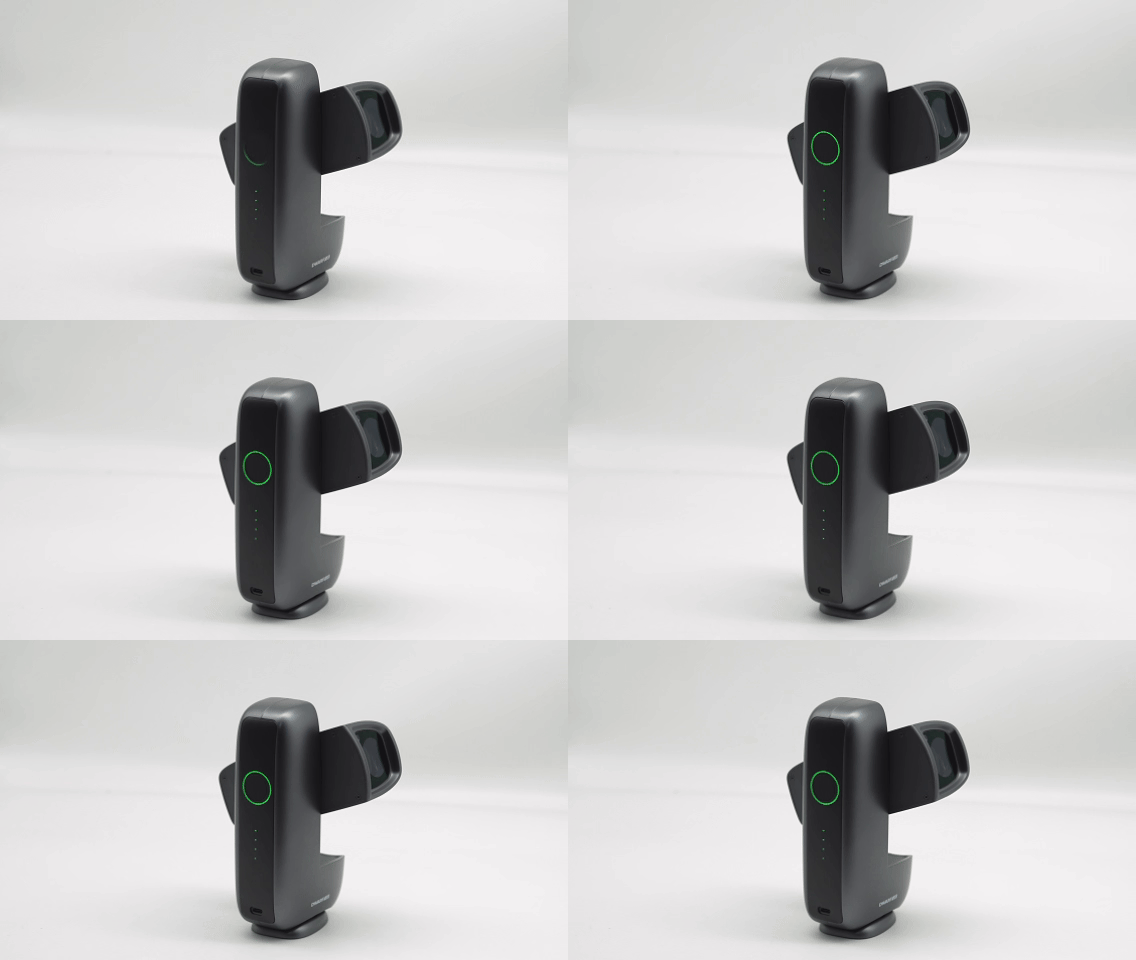
3. Photo, Video, Burst Mode
3.1 Shooting
Status: Green circular light solid/always on
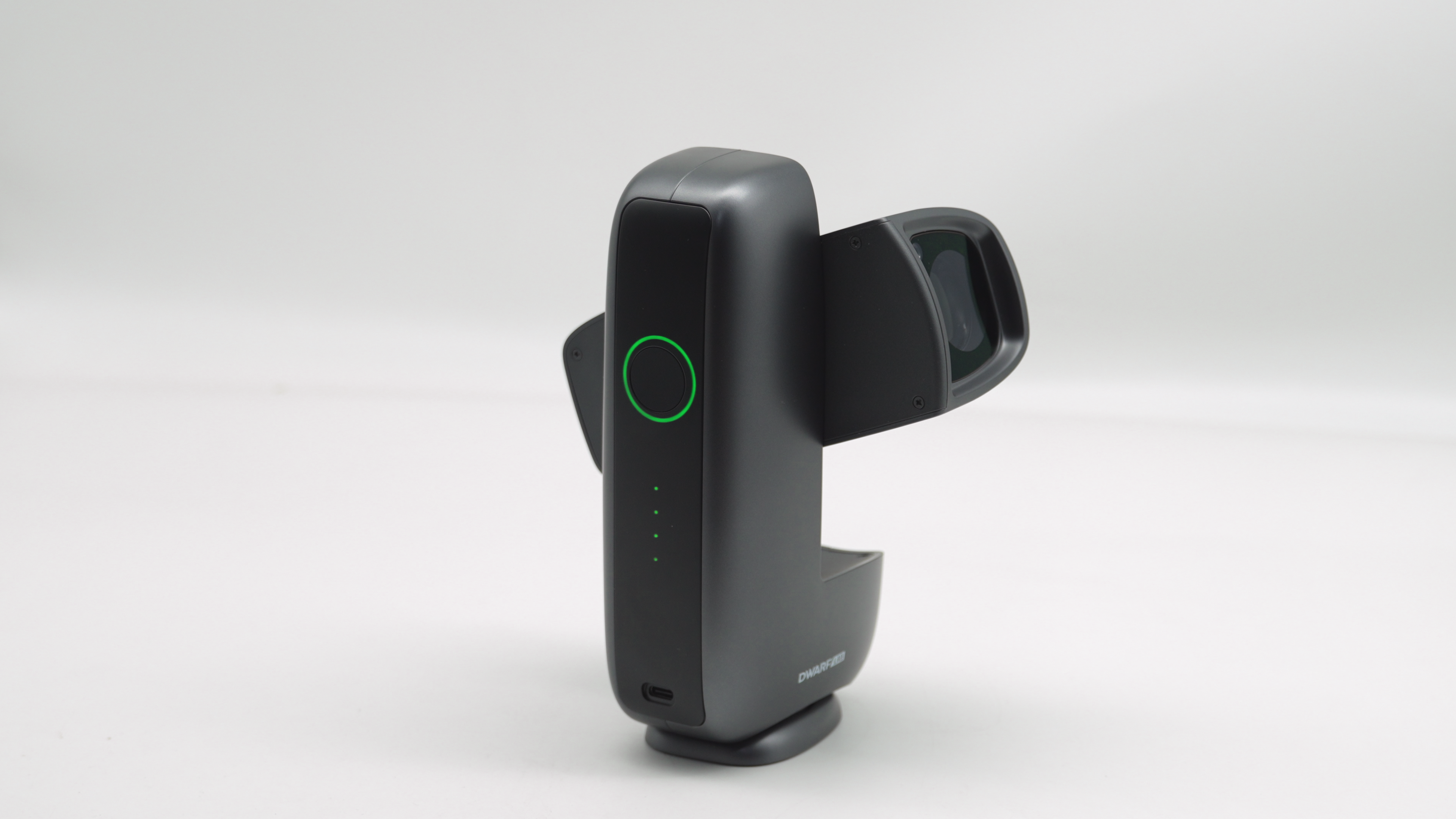
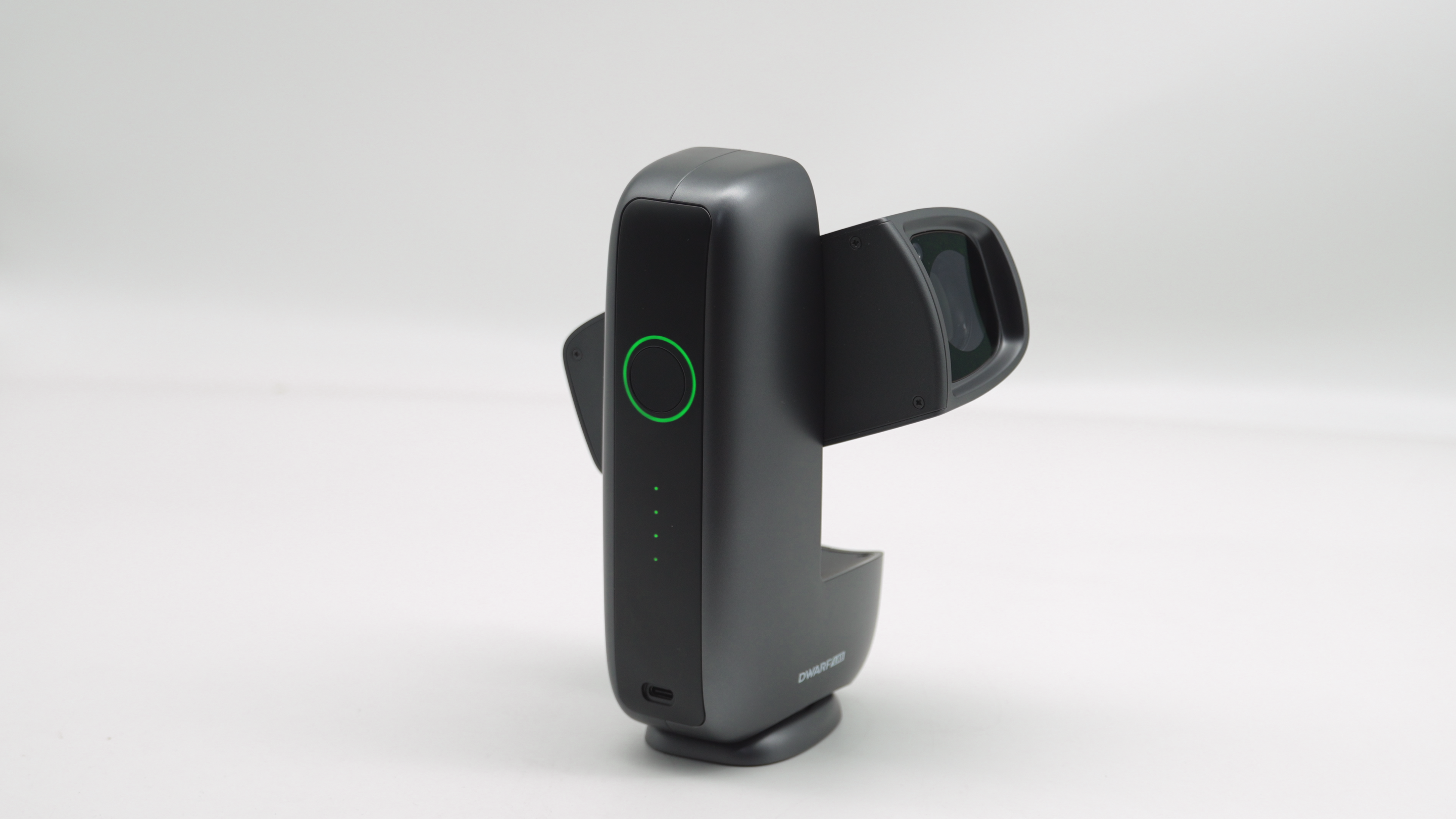
3.2 Successful shooting
Status: Green light always on
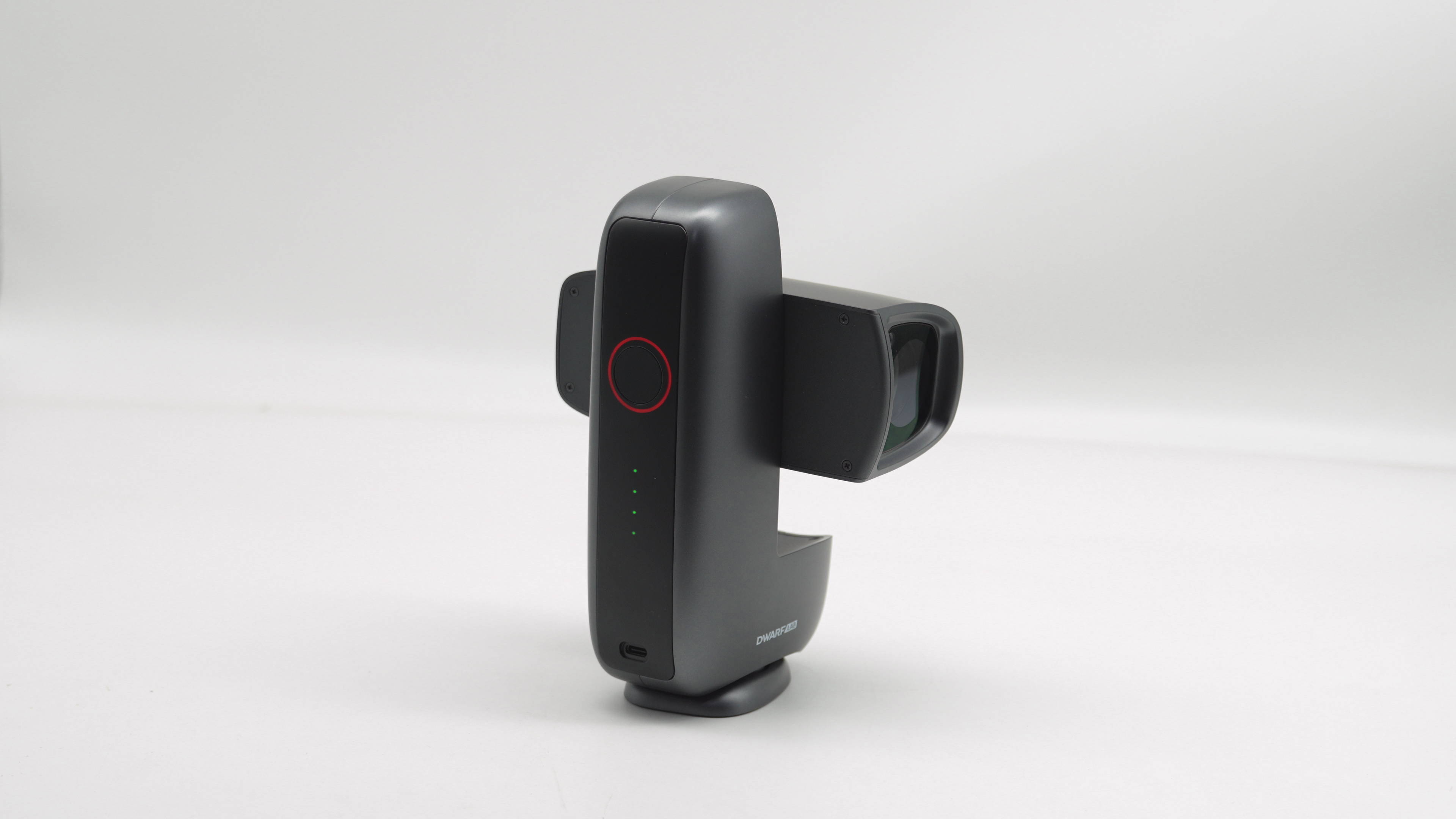
3.3 Shooting failed
Status: Red light is always on
4. Astro Mode
4.1 Calibration
Status: Three red light beads gradually lit up
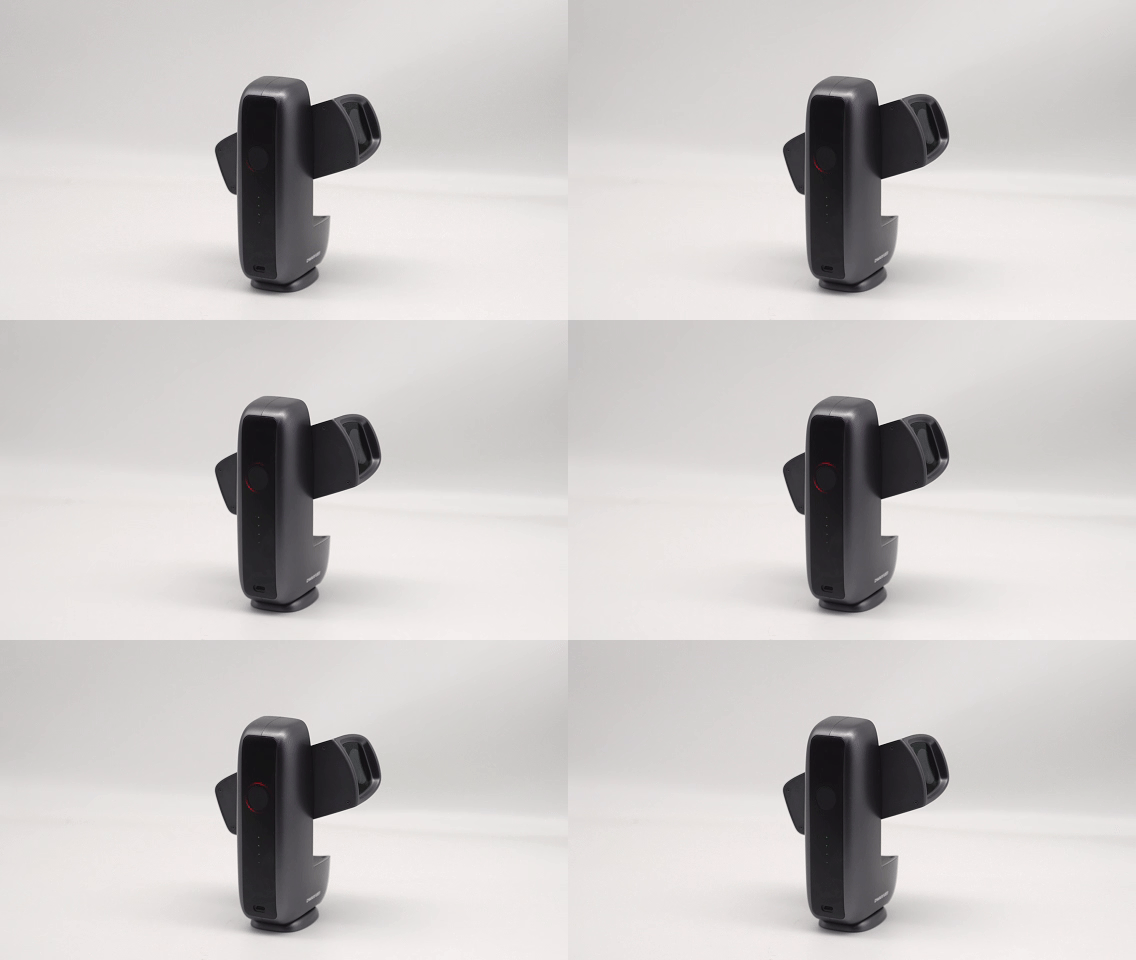
4.2 GoTo
Status: Two red light beads light up correspondingly
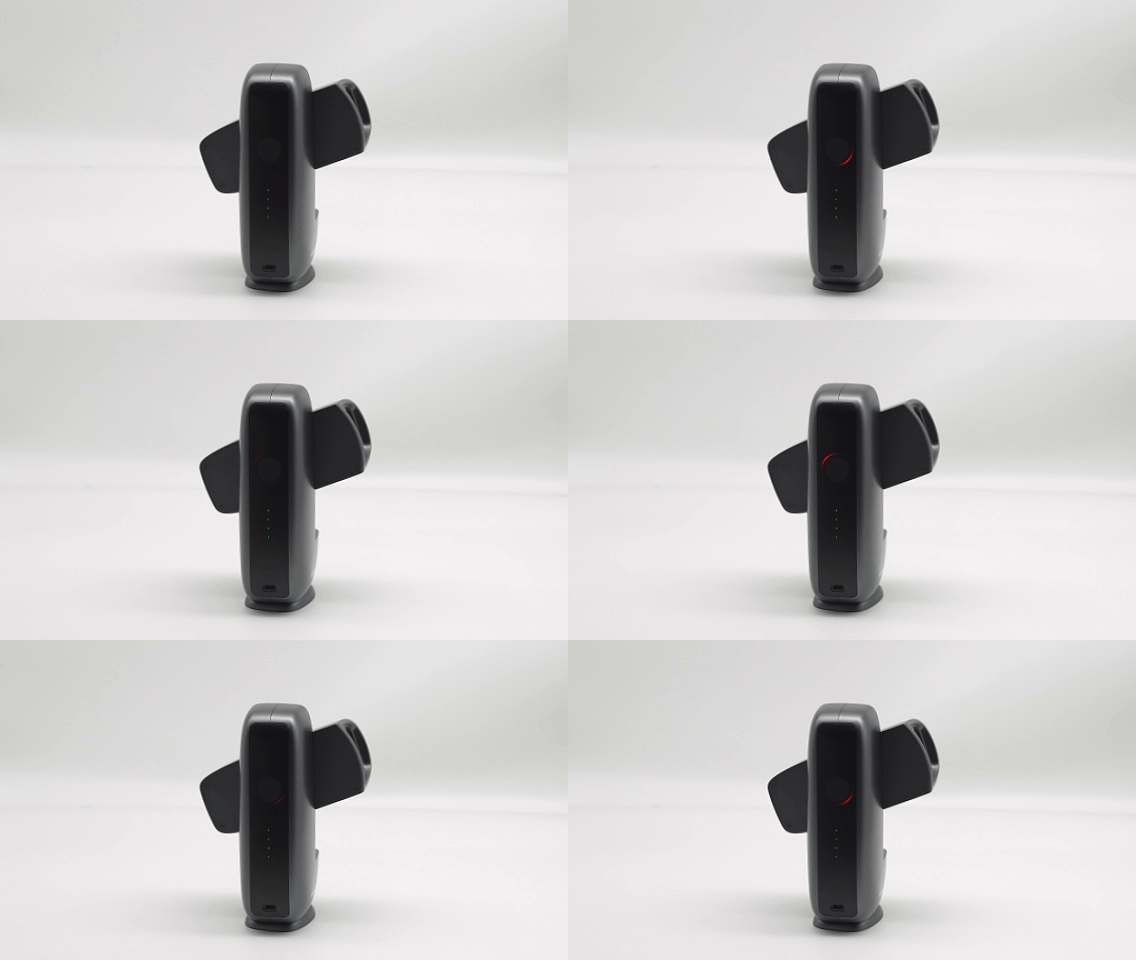
4.3 Tracking
Status: The red light is gradually rotating
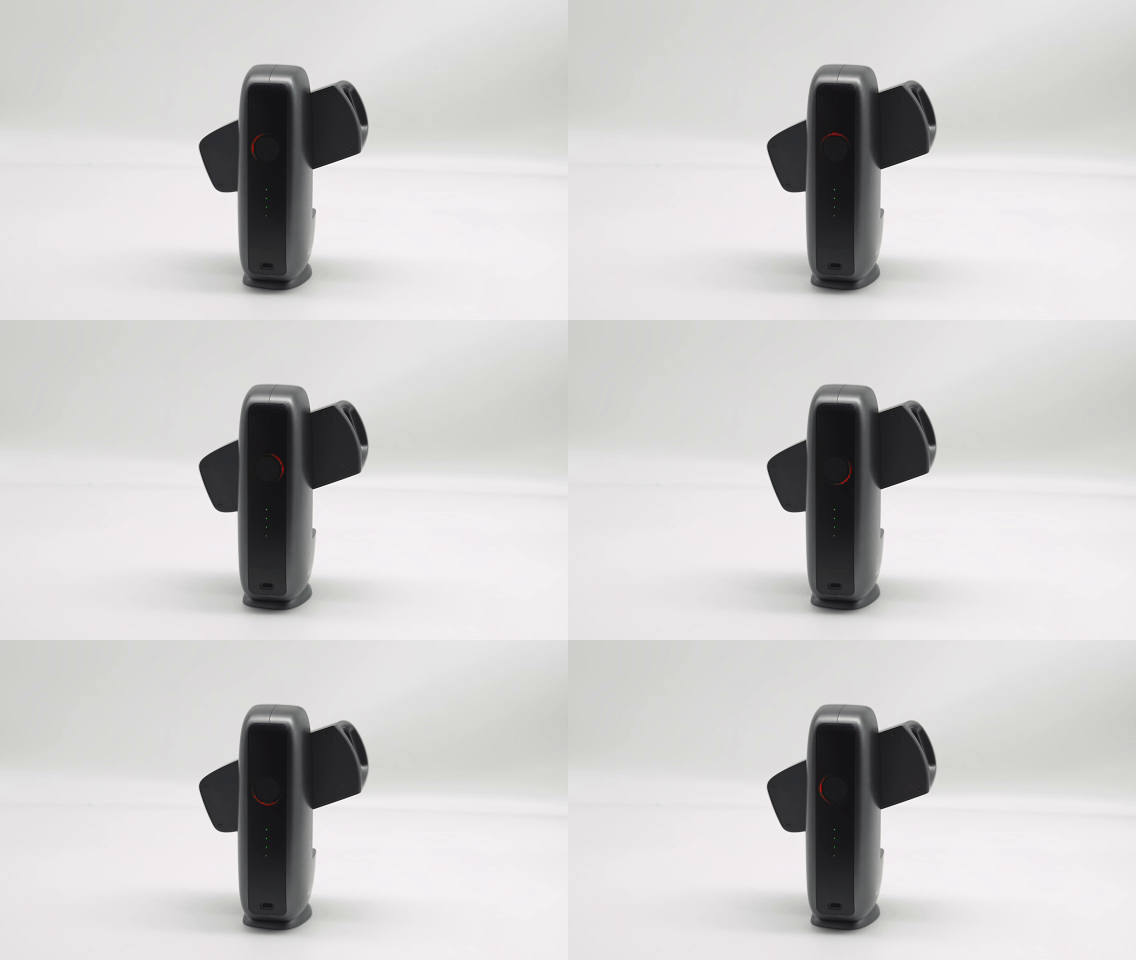
4.4 Shooting & Stacking
Status: The red light slowly rotates and completes a full circle
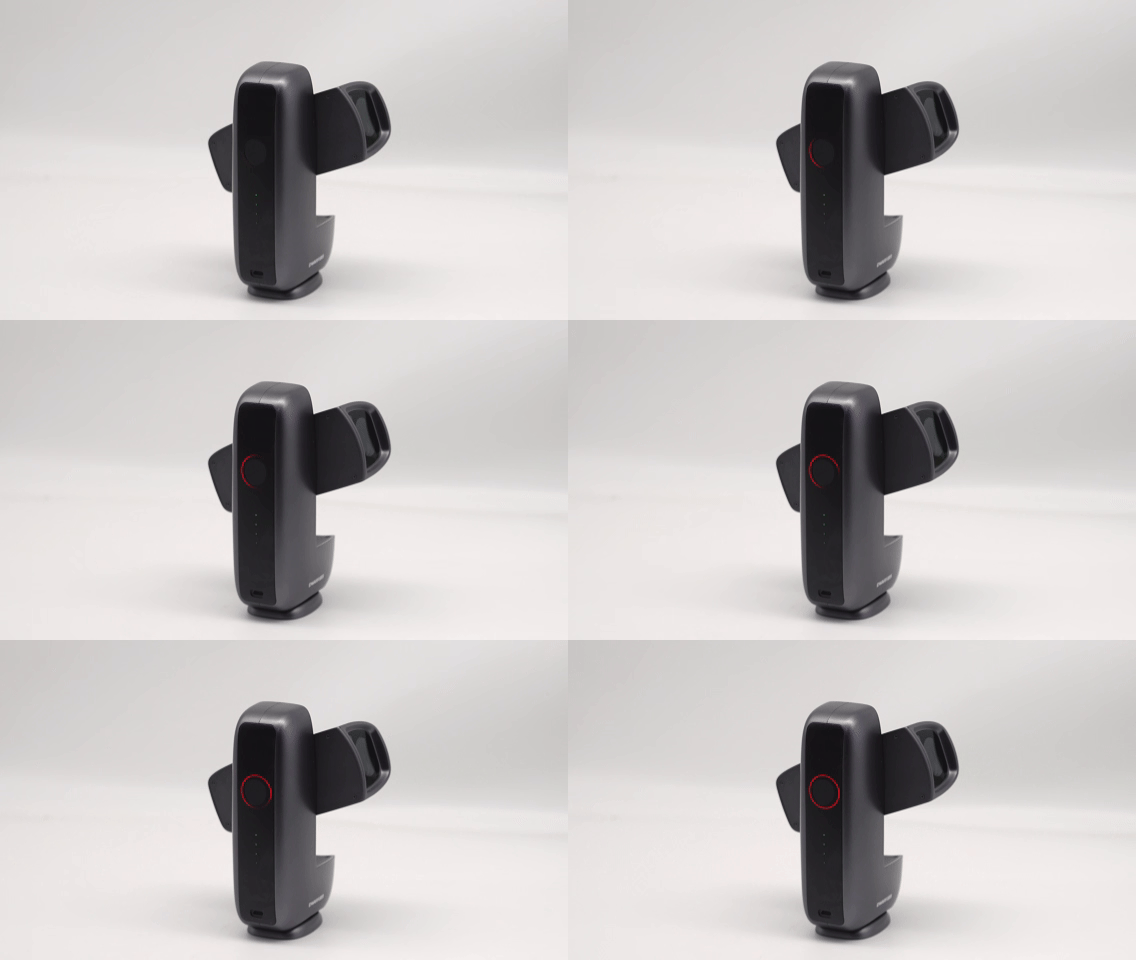
4.5 Successful shooting
Status: Red light breathing slowly
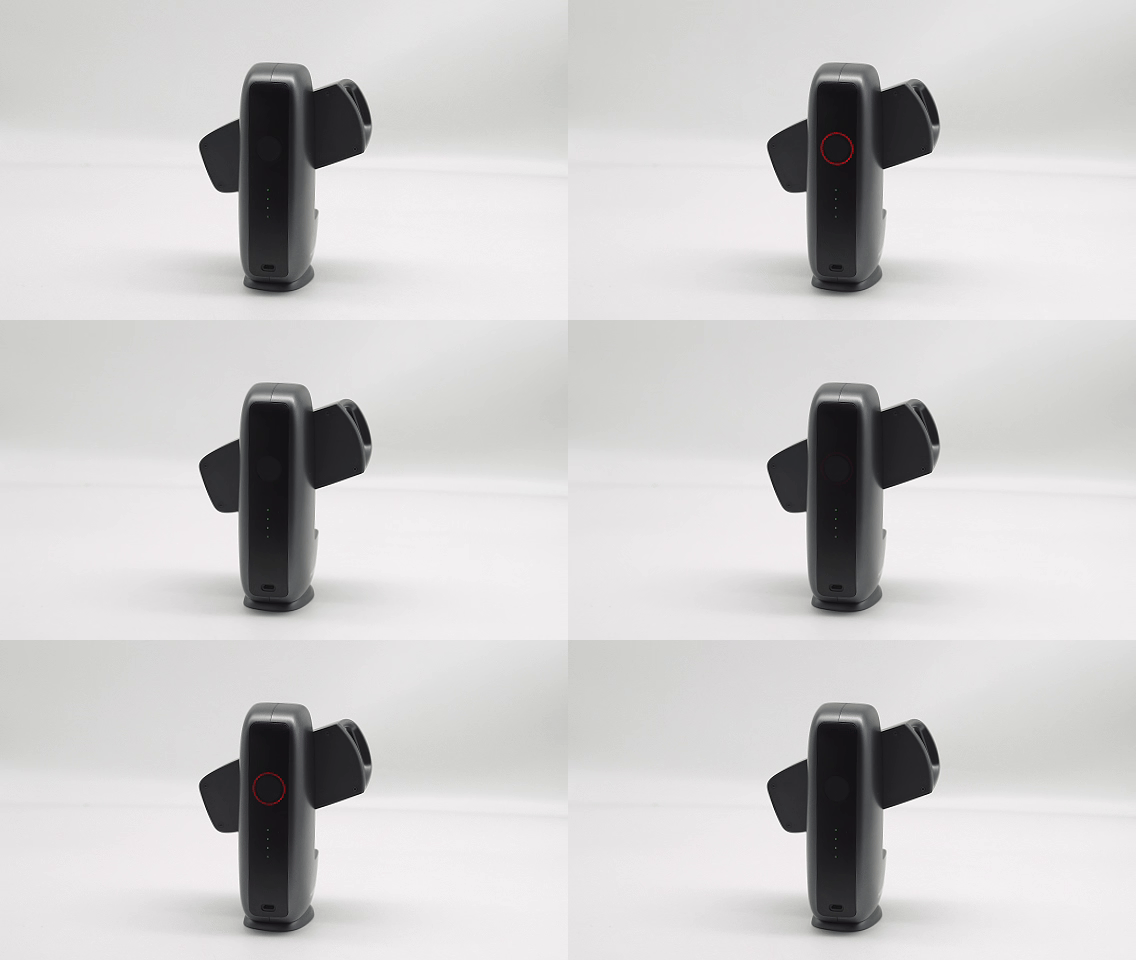
4.6 Shooting failure
Status: Red light flashing rapidly
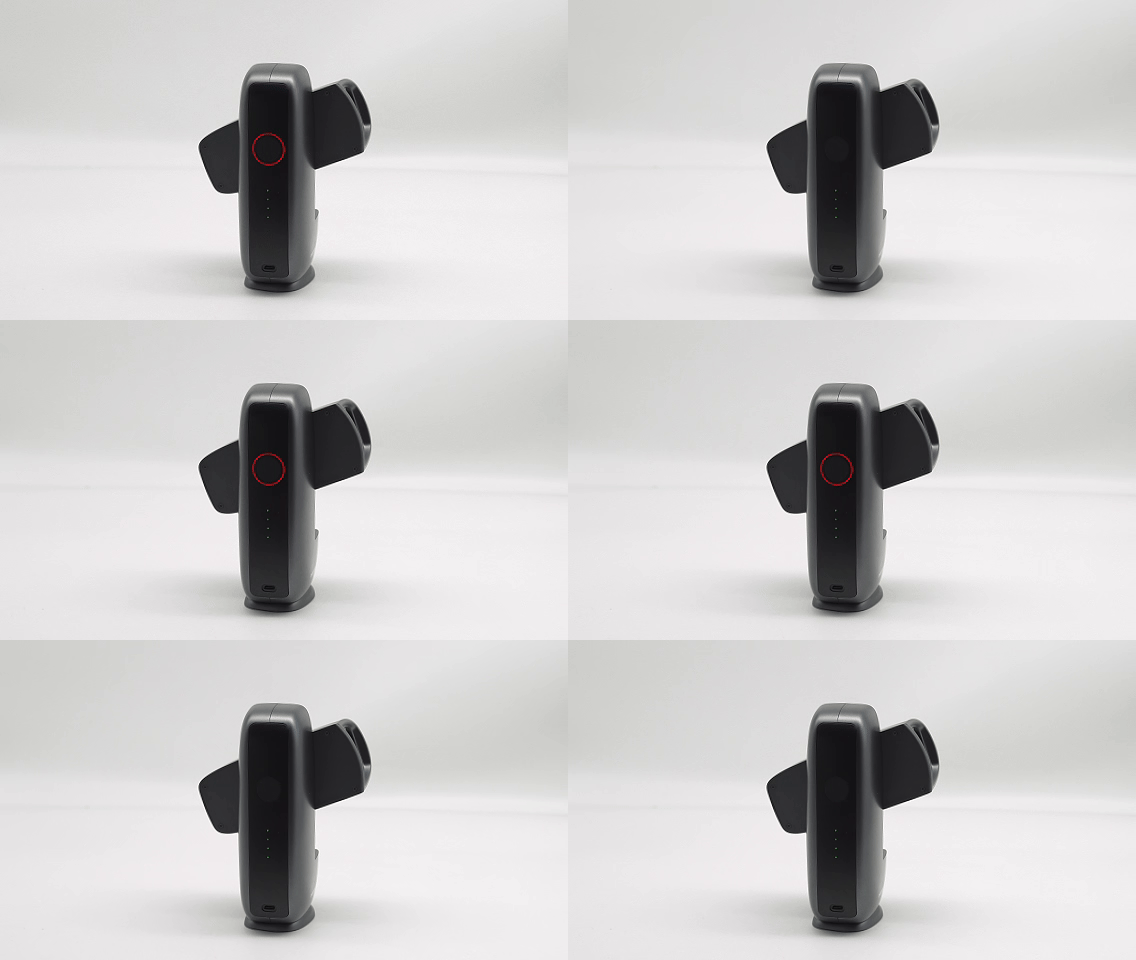
5. Time-lapse Mode
5.1 Shooting
Status: Various colored lights gradually rotate
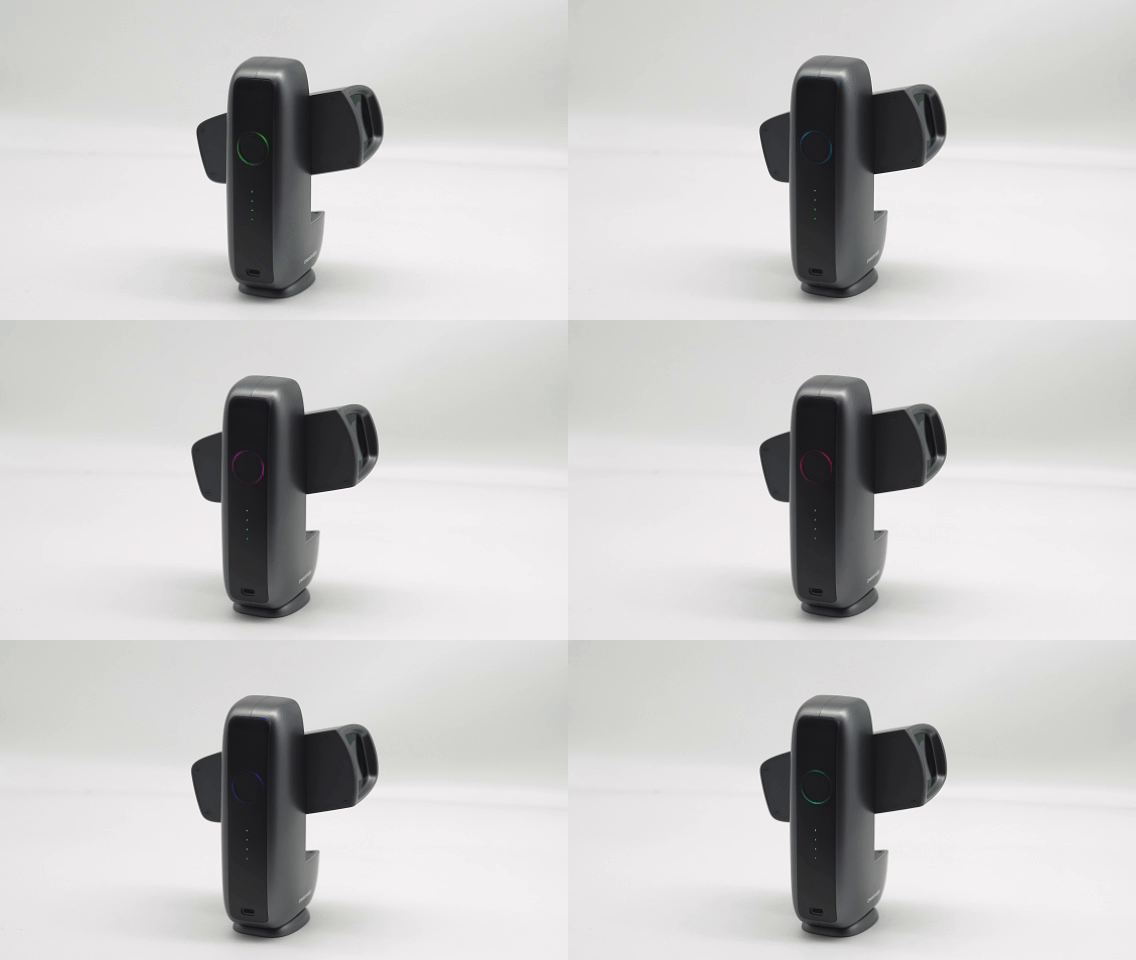
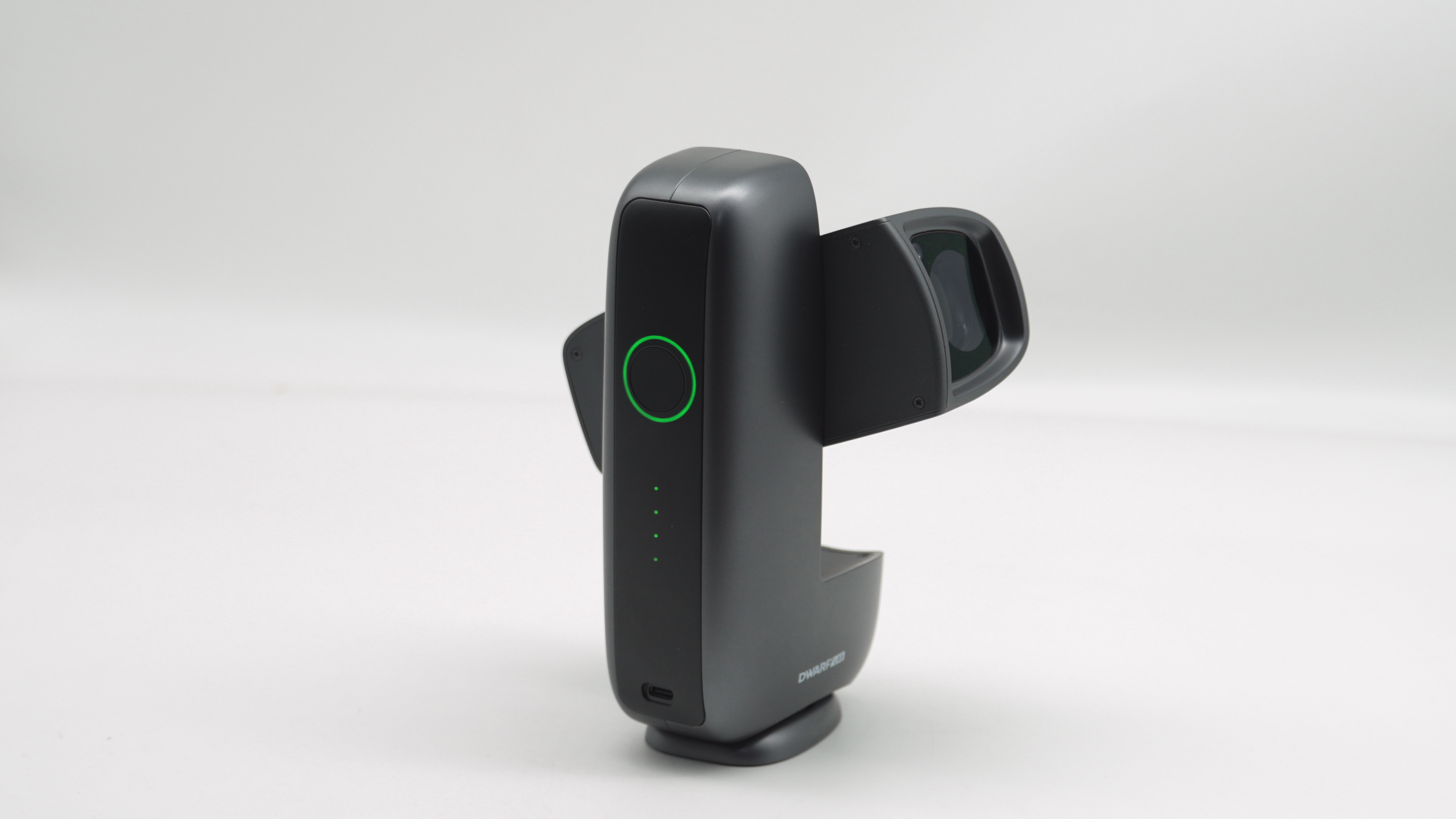
5.2 Successful shooting
Status: Green light always on
5.3 Shooting failure
Status: Red light is always on