Draco Quick Start and Unboxing
- Last updated
- Character count
- 4882 characters
- Reading time
- 9 min
- Unboxing
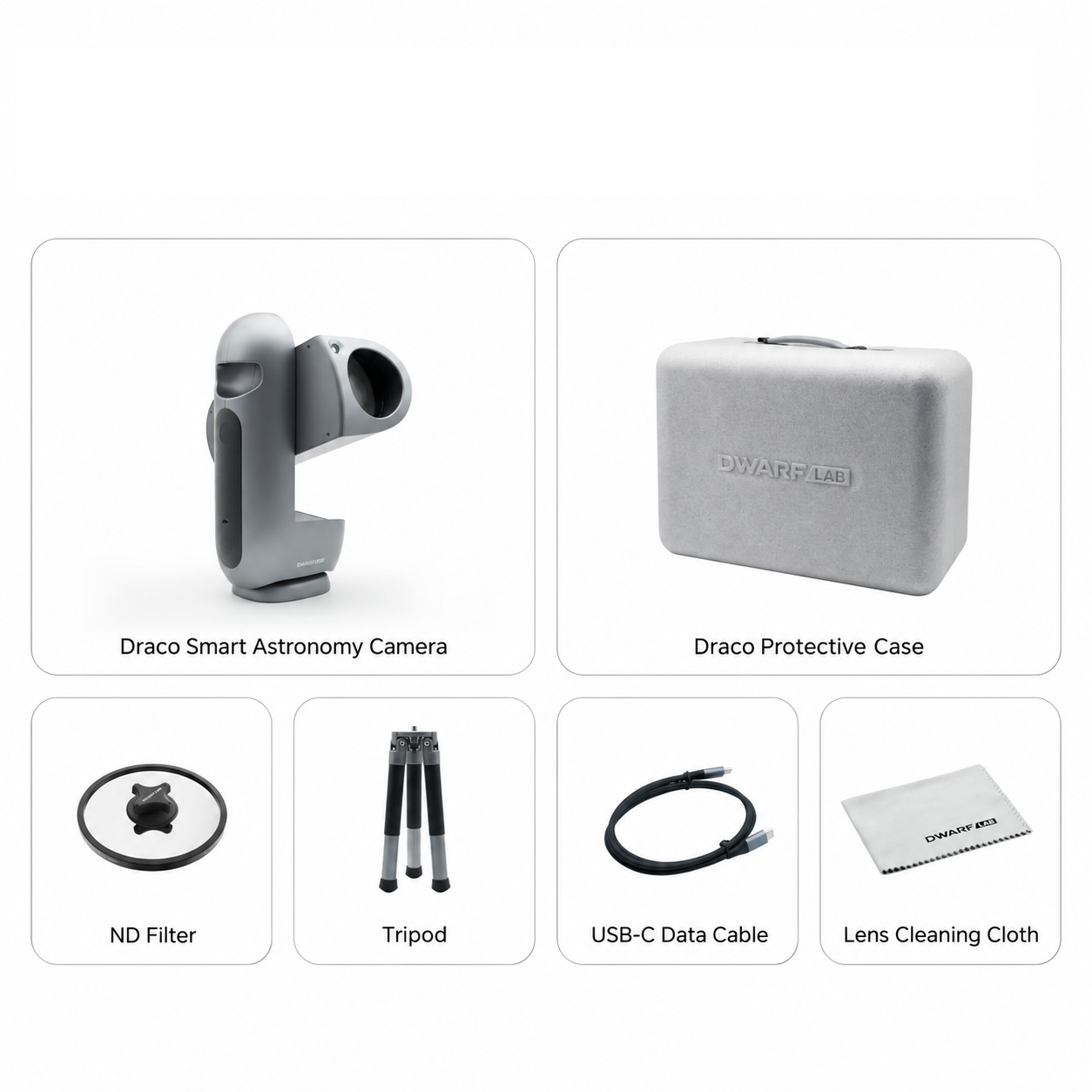
- Built-in storage: 128 GB
- Built-in battery capacity: 10,000 mAh
- Standard Edition: Built-in Astro Filter, Dark Filter, and ND Solar Filter (OD = 5), plus an Hα + OIII Duo-Band Filter (bandwidth: 13 ± 3 nm).
- SHO Edition: Built-in Astro Filter and Dark Filter, plus Hα + OIII Duo-Band Filter (HO; bandwidth: 13 ± 3 nm) and SII + OIII Duo-Band Filter (SO; bandwidth: 13 ± 3 nm). An external ND Solar Filter (OD = 5) is included for solar imaging.
Solar safety: Always install an ND Solar Filter before pointing Draco at the Sun.
- Astro Filter: Transmits wavelengths from 430 to 690 nm. Suitable for astrophotography and low-light photography.
- Hα + OIII Duo-Band Filter: Designed to transmit two specific wavelengths—Hα (656.3 nm) and OIII (500.7 nm). It reduces interference from moonlight and urban light pollution and is suitable for photographing emission nebulae.
- The SHO Edition includes an SII + OIII Duo-Band Filter. It transmits SII (671.6 nm) and OIII (500.7 nm), reduces interference from moonlight and urban light pollution, and is suitable for photographing emission nebulae.
- Dual Cameras
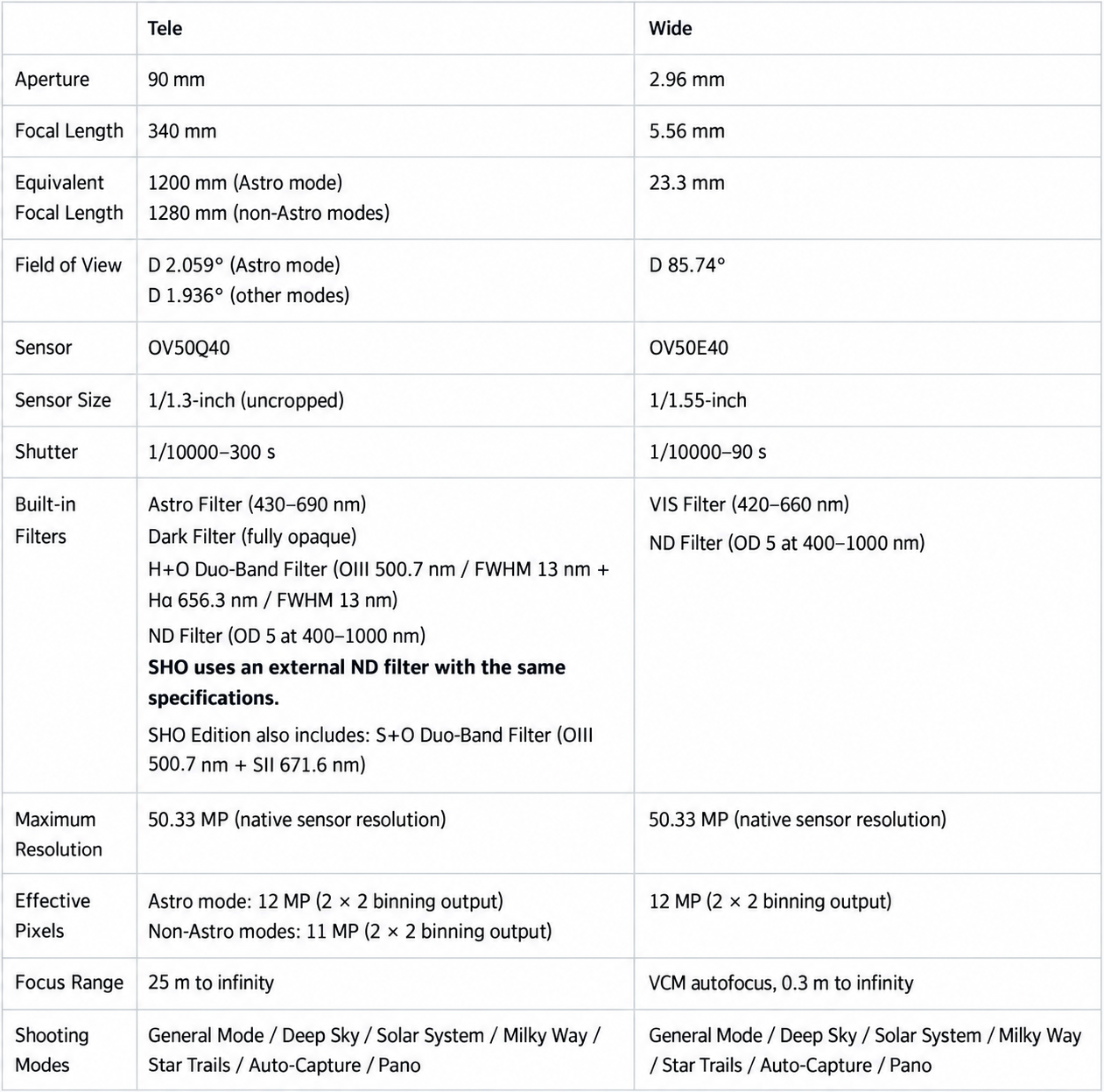
Draco Camera Specifications Comparison
Additional Notes
Three-camera system: In addition to the main Tele camera and secondary Wide camera, Draco has a built-in guide camera (OS04C1B, monochrome, 4.09 MP). Its diagonal field of view is 1.040°, and it provides real-time guiding corrections.
Standard Edition vs. SHO Edition: The two editions differ only in the Tele filter configuration. The Standard Edition includes a built-in H+O Duo-Band Filter. The SHO Edition adds an S+O Duo-Band Filter, enabling SHO narrowband imaging.
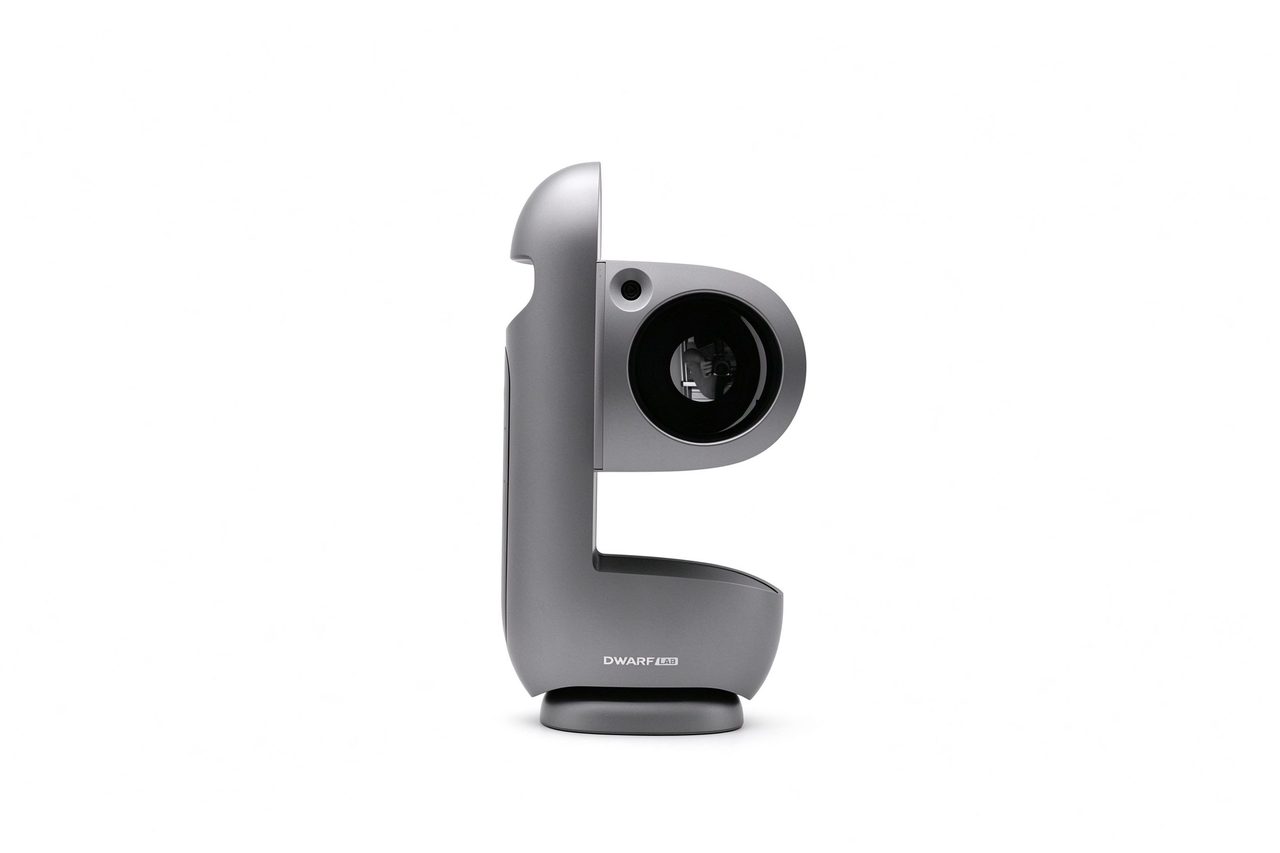
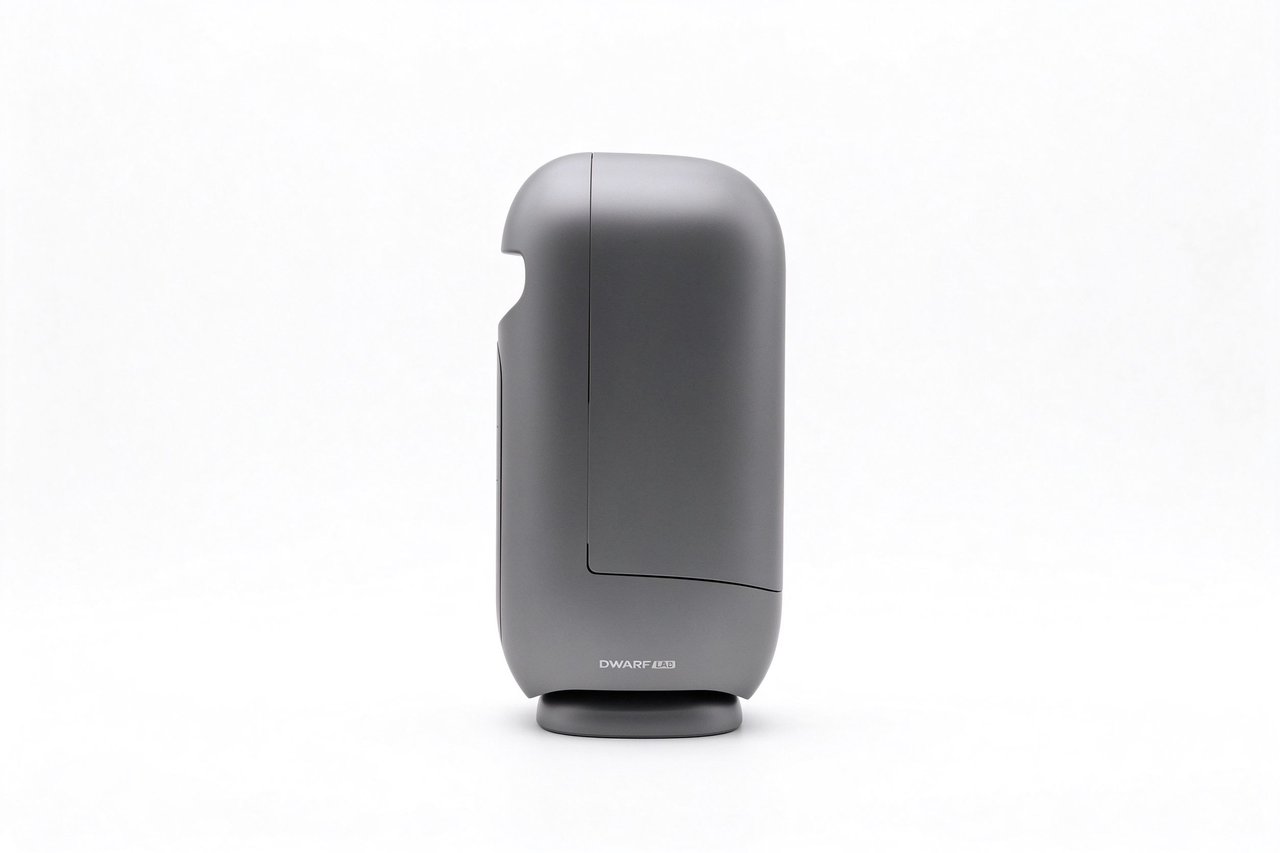
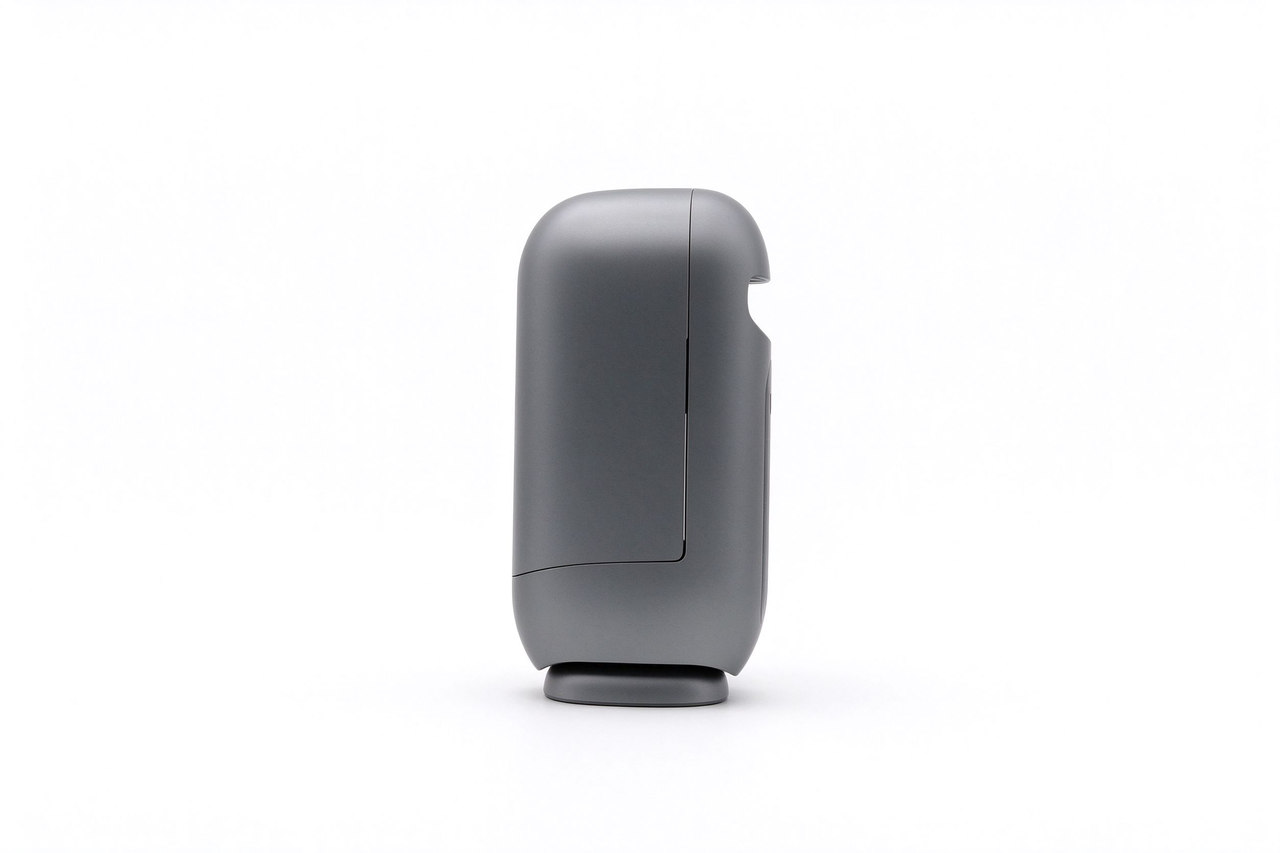
- Front and Rear Views
Front view
Rear view
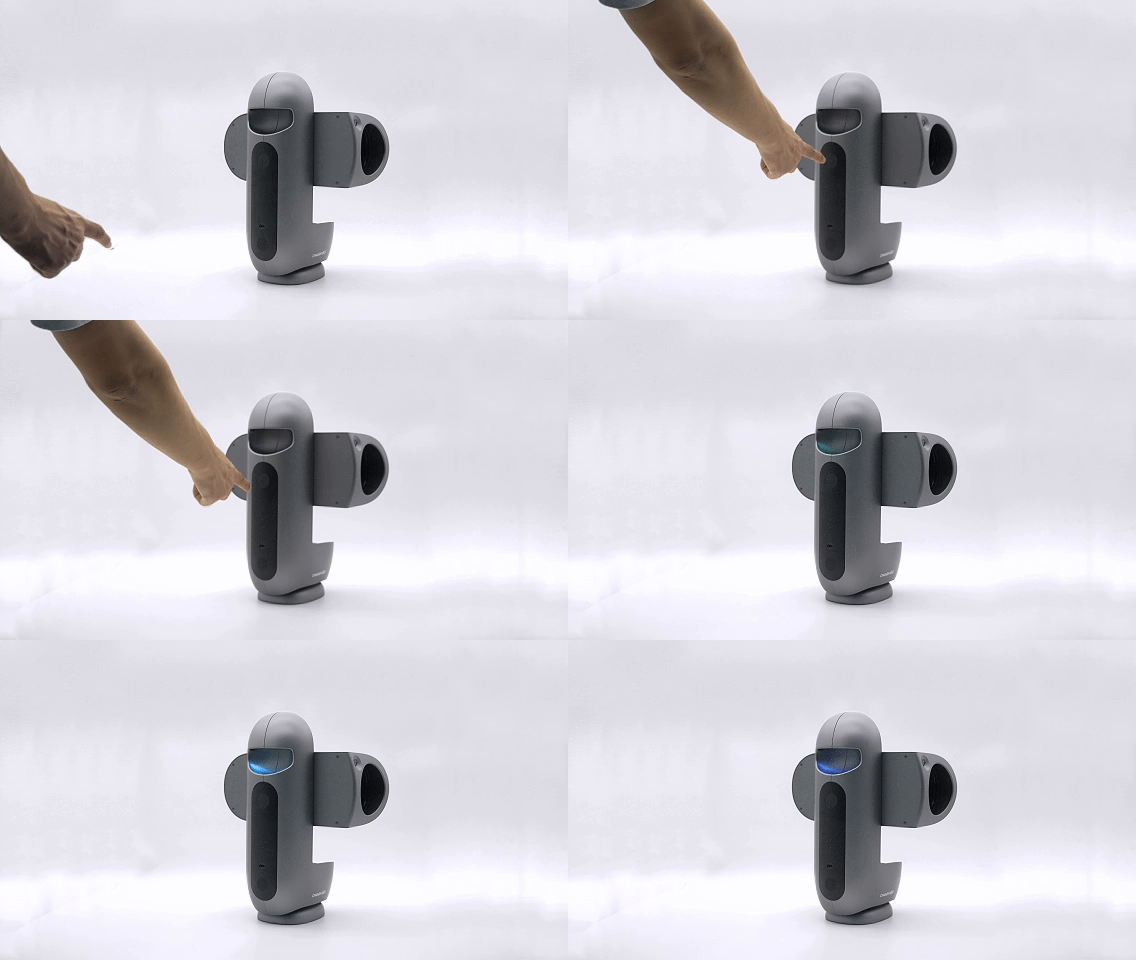
- Power Button and Power On/Off
Press the power button briefly to turn Draco on.
Press and hold the power button to turn Draco off.
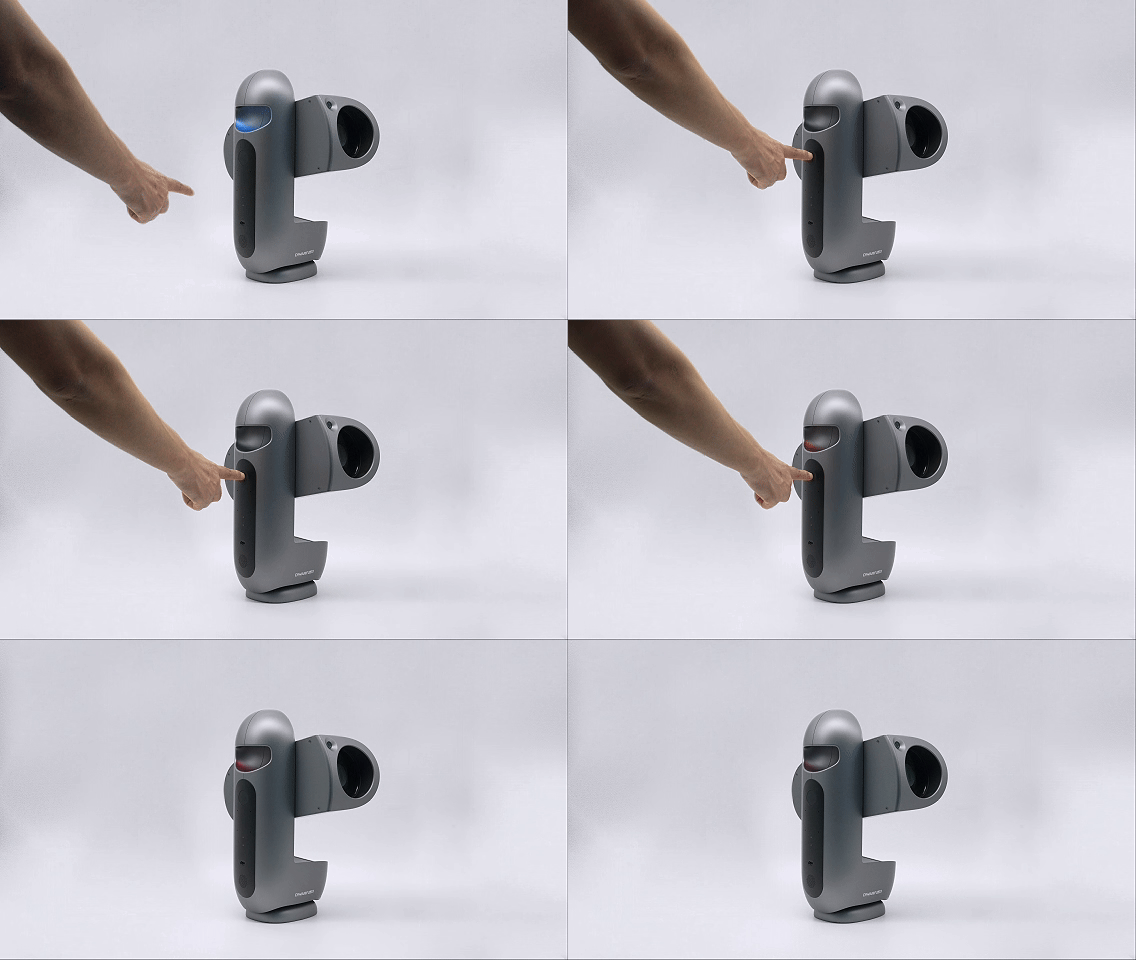
To shut down from the app, go to Me > My Device > Shut Down. The lens assembly retracts automatically after shutdown.
When Auto Power Off is enabled, Draco automatically powers off after about 15 minutes of inactivity, provided it is disconnected from the App, is neither charging nor connected via USB, and has no shooting or processing tasks running.
Automatic shutdown is disabled while Draco is charging or connected to a computer.
To disable this feature, go to Me > My Device and turn off Auto Power Off.
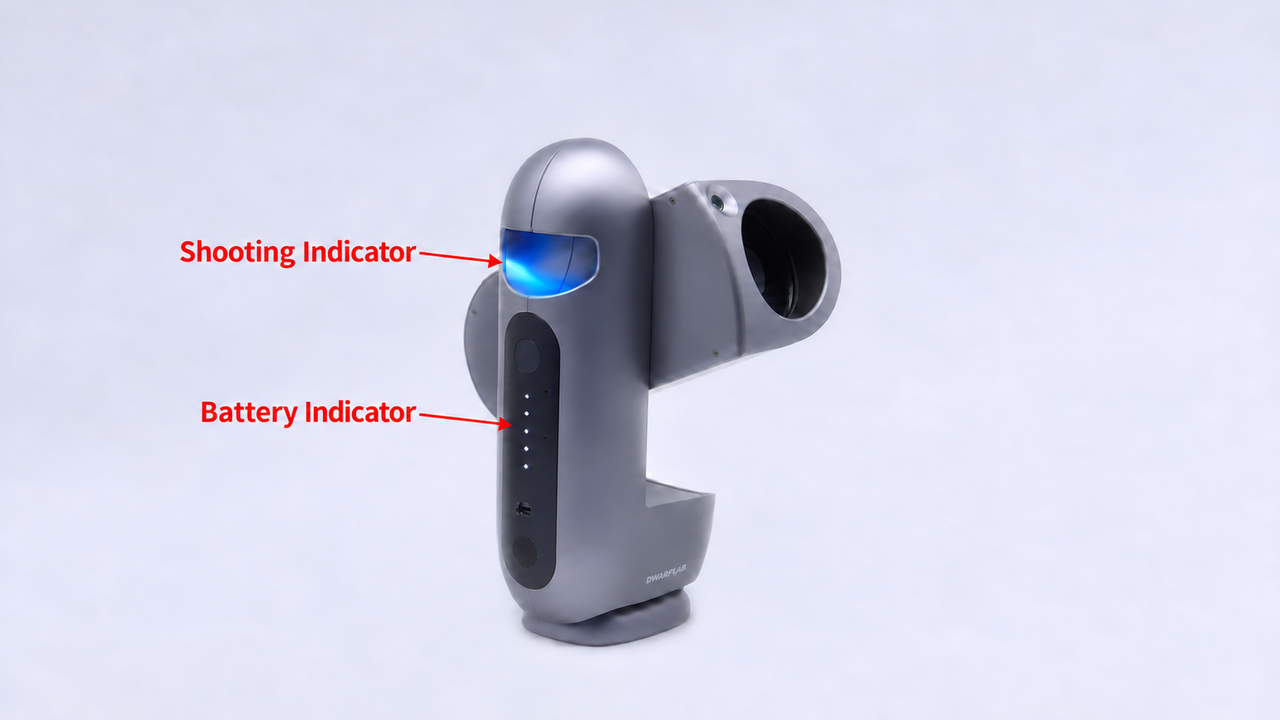
- Indicator Lights
Tracking
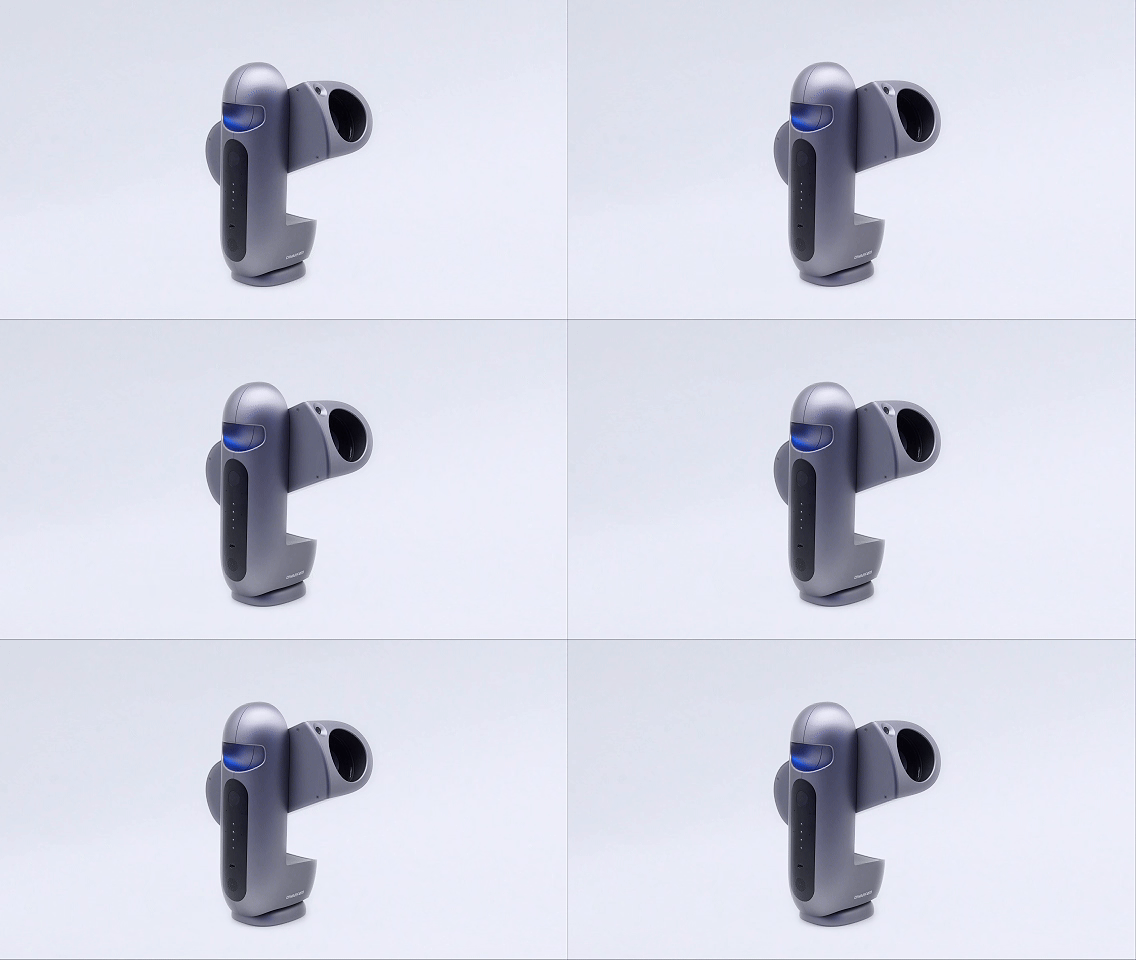
Standby
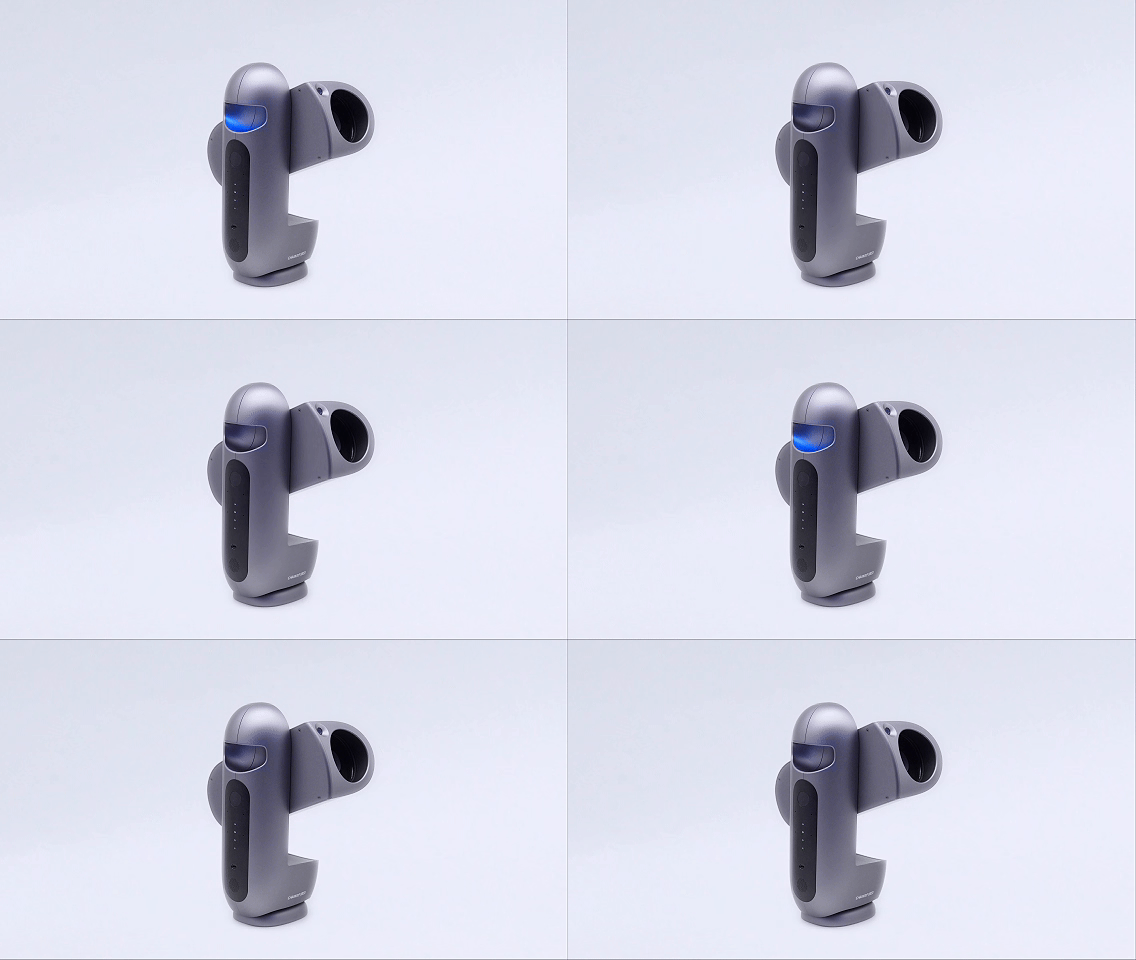
Ring indicator off
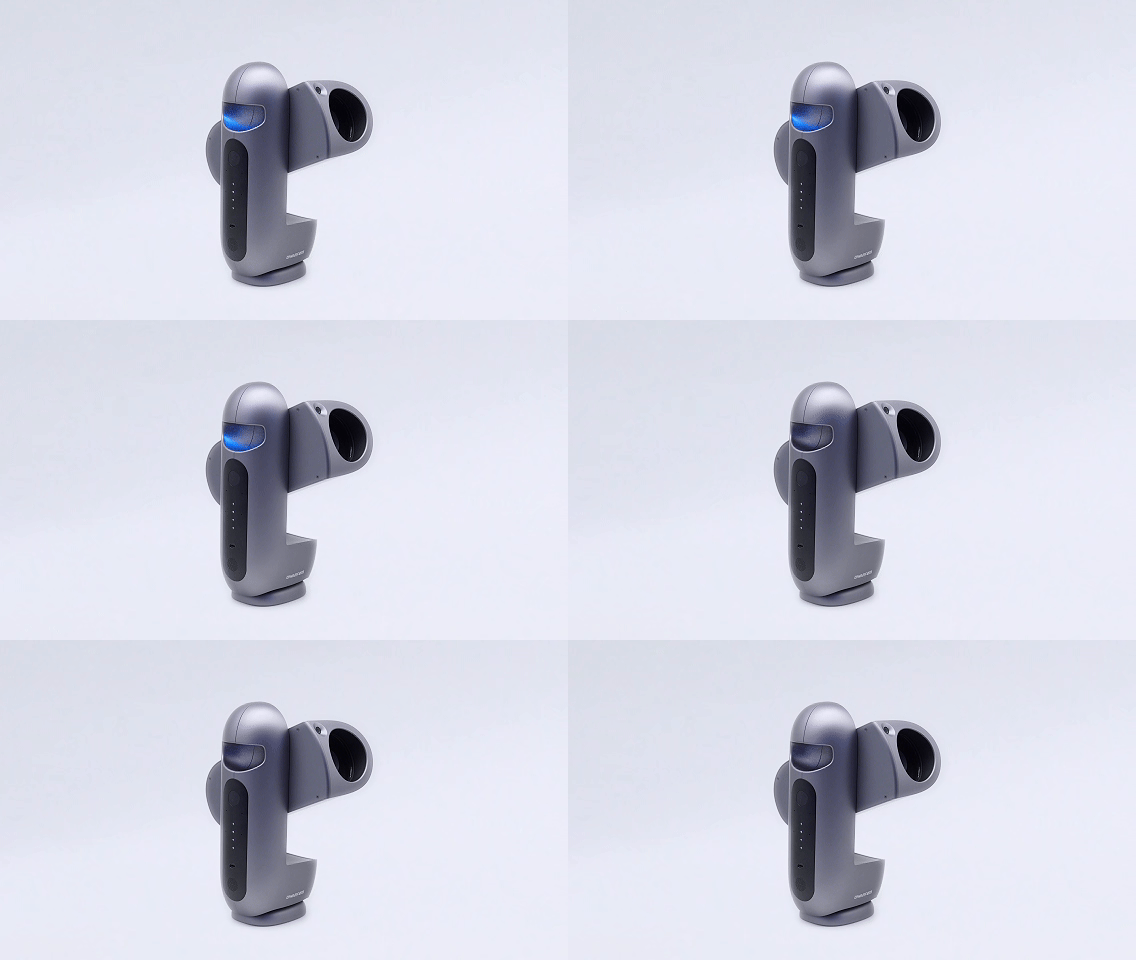
Astro task completed
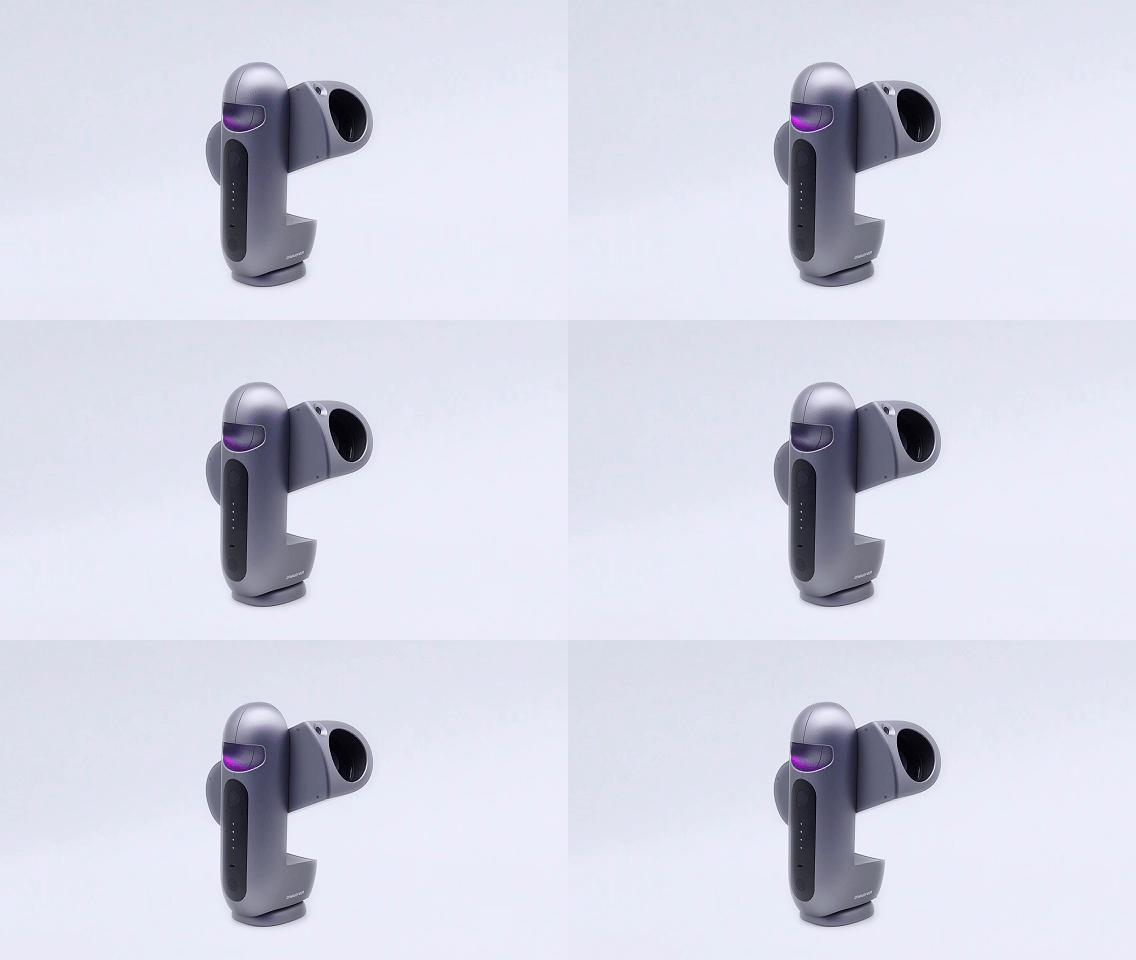
Not connected
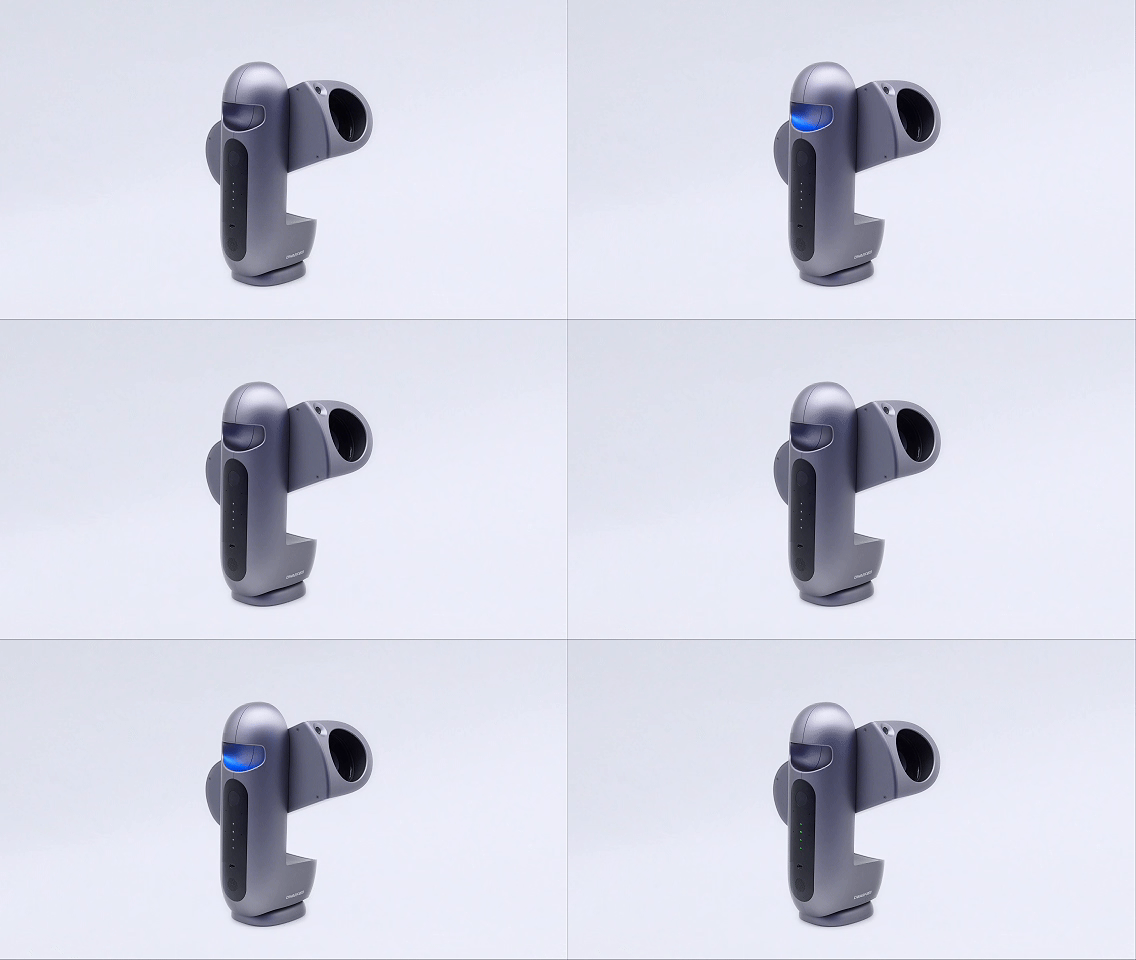
Time lapse completed
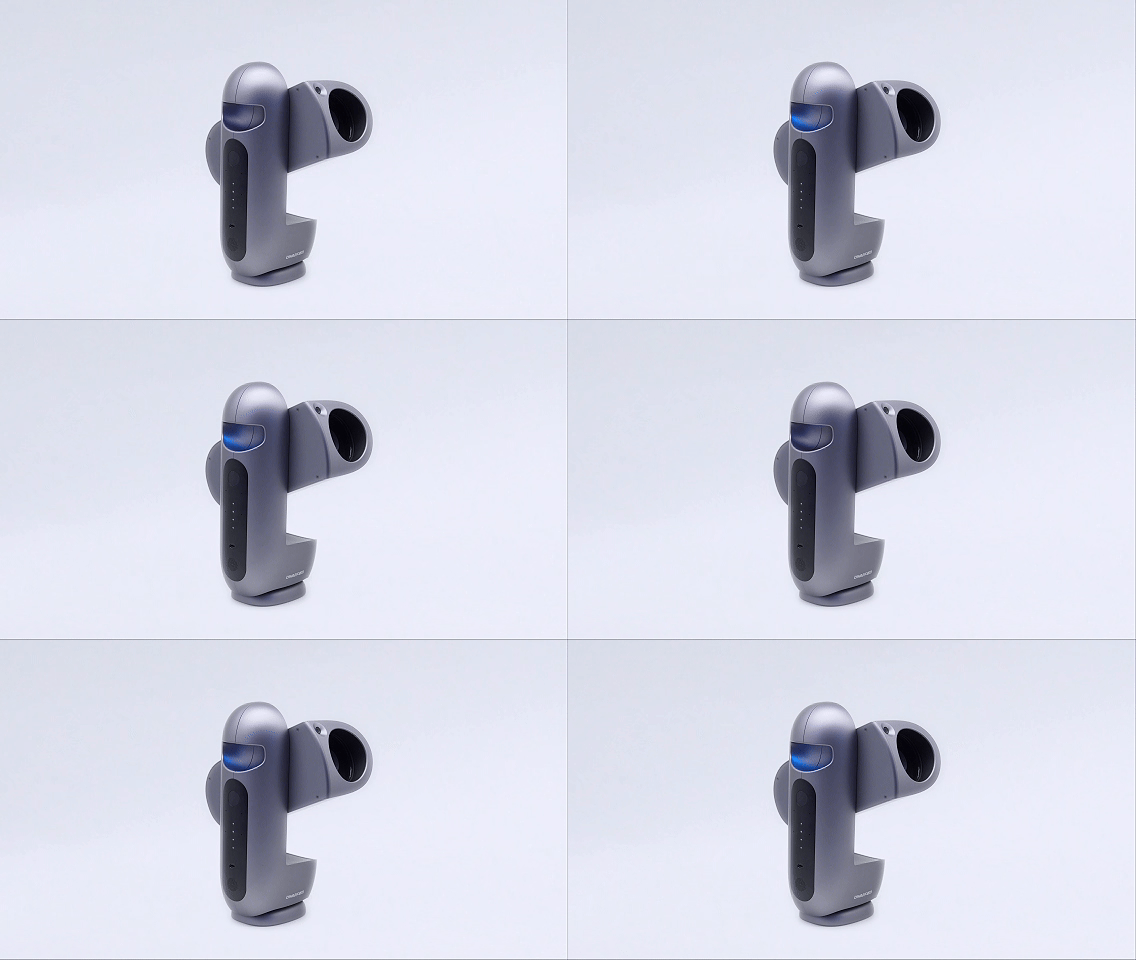
Operation failed
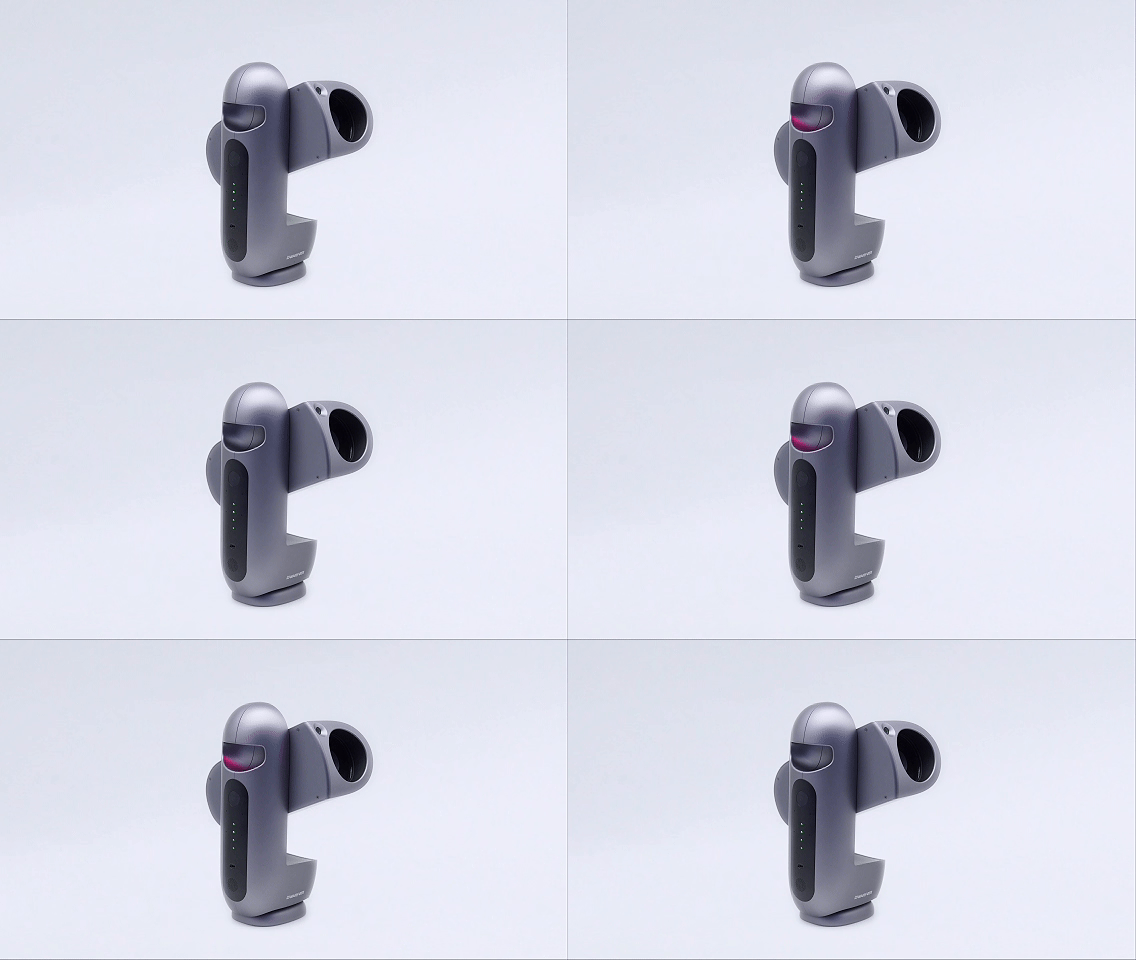
Connected
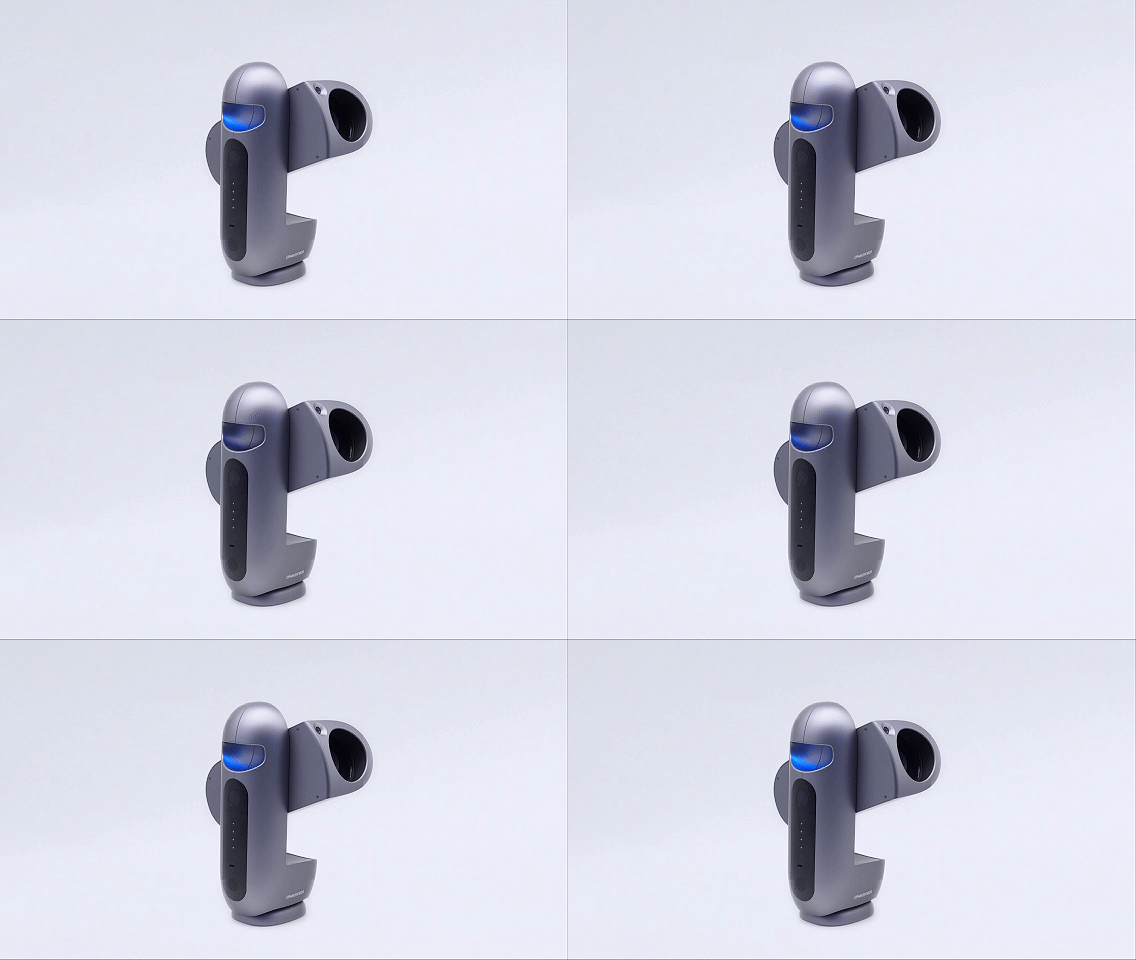
Ring indicator and battery indicator off
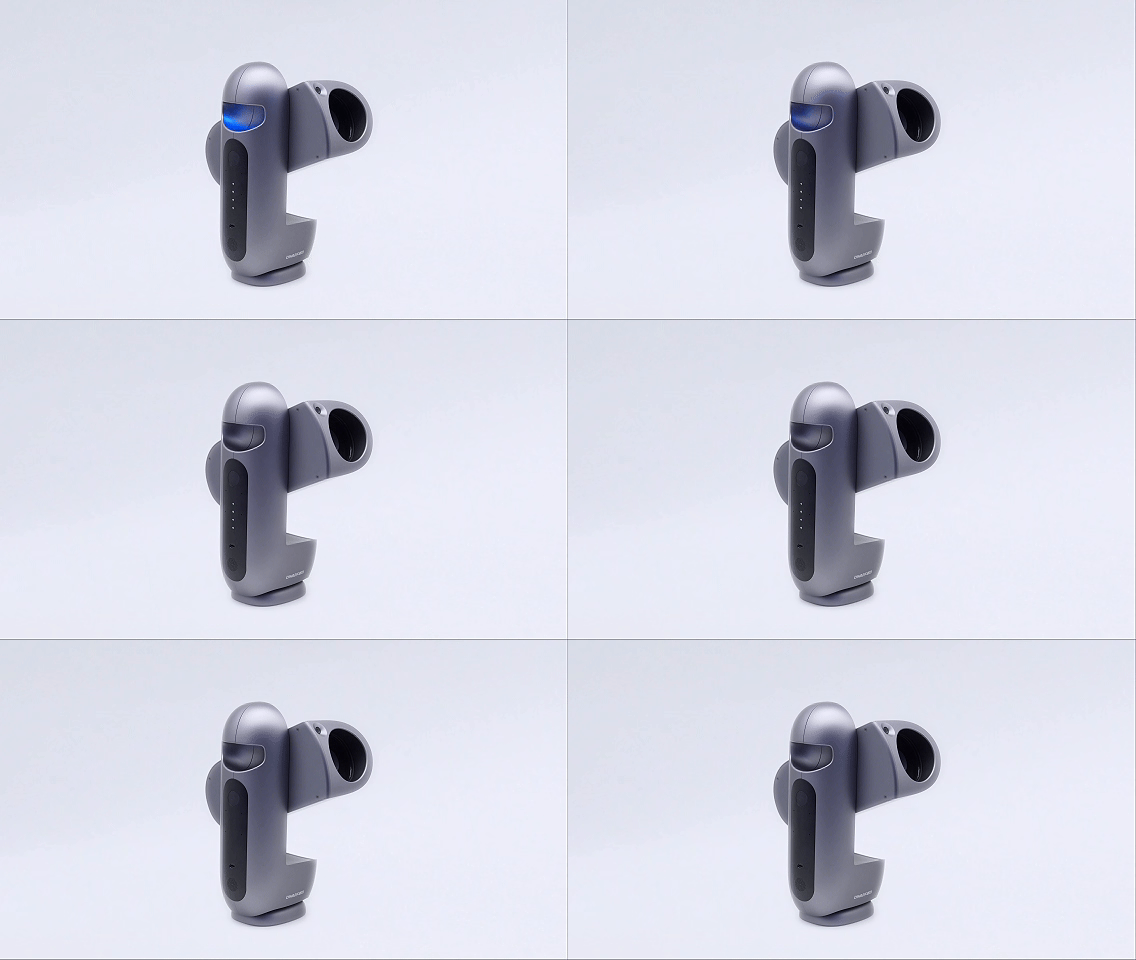
Operation successful
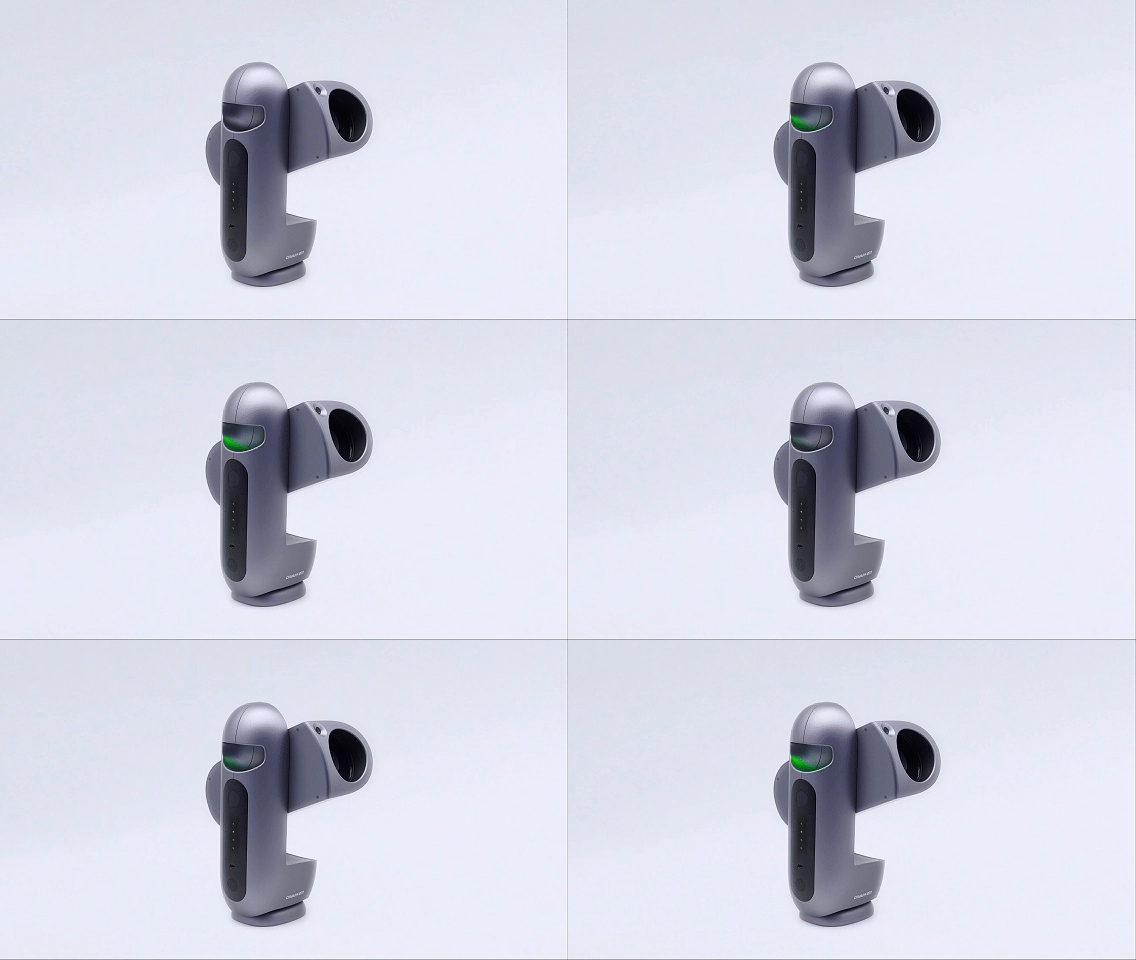
Astro calibration in progress
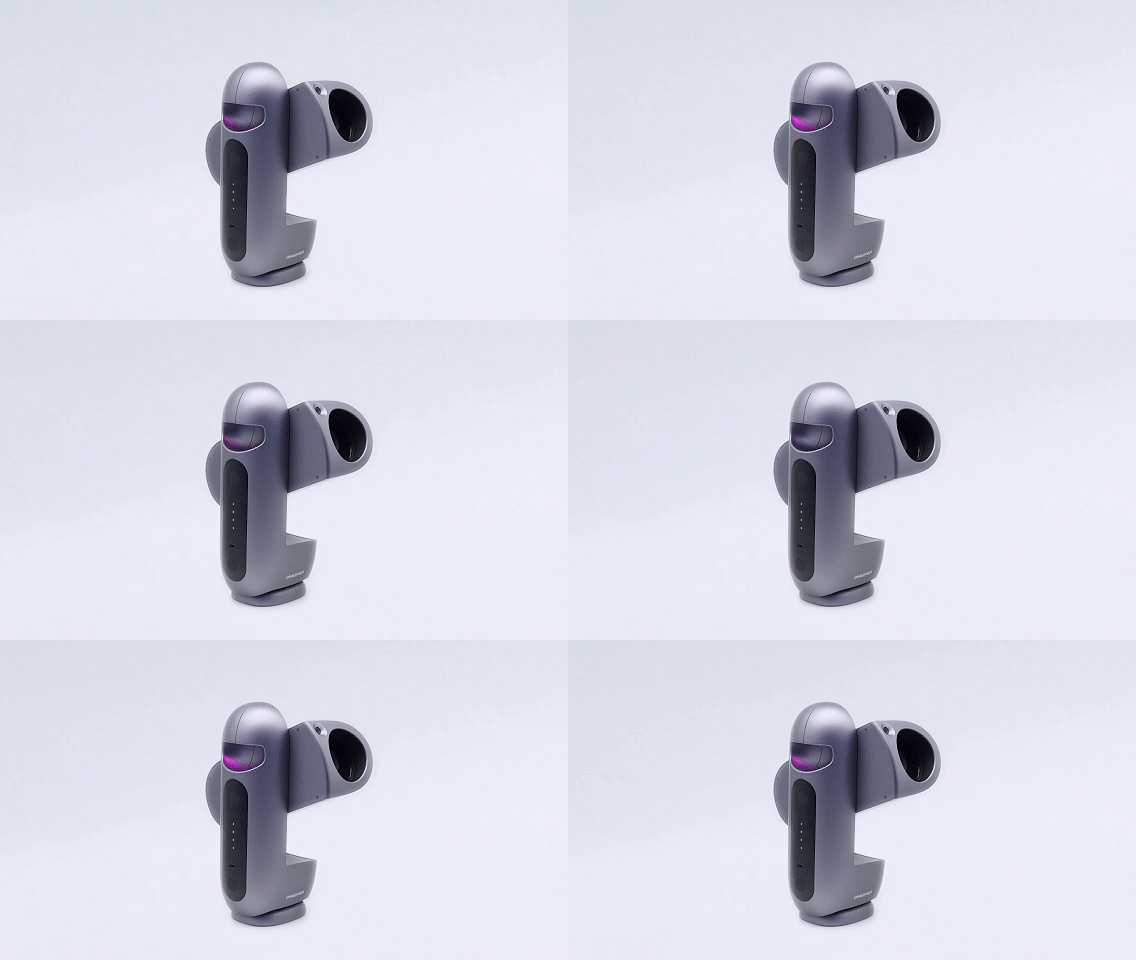
Pano completed
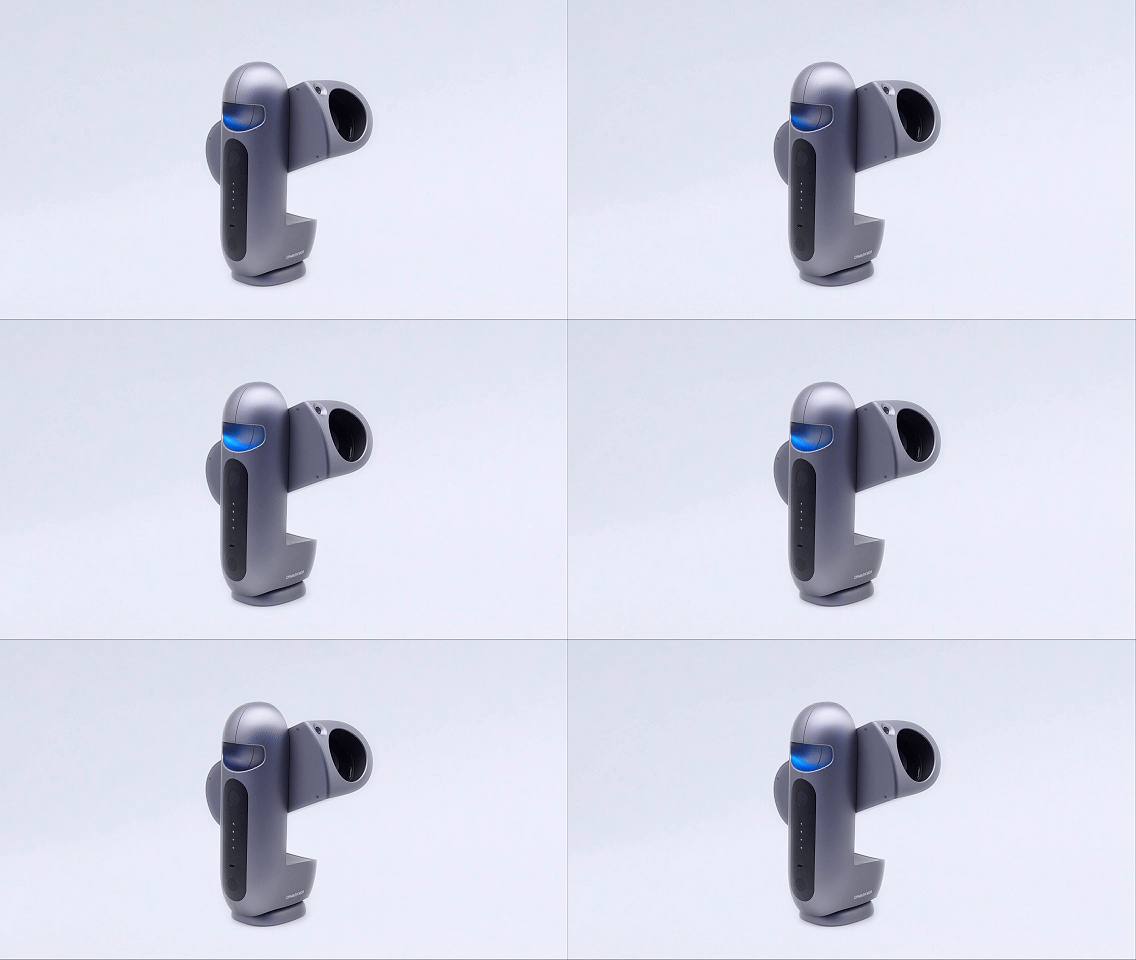
Tracking successful
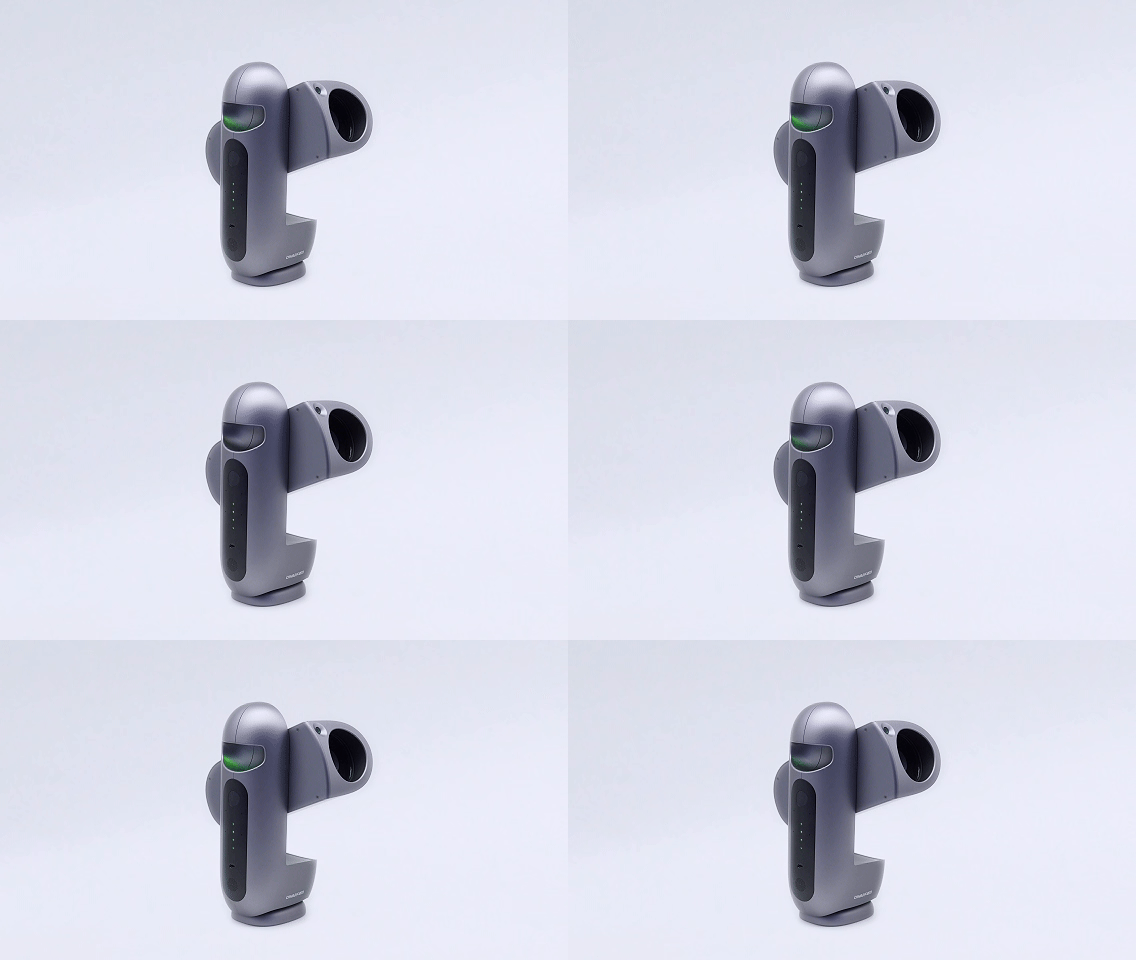
Astro GoTo in progress
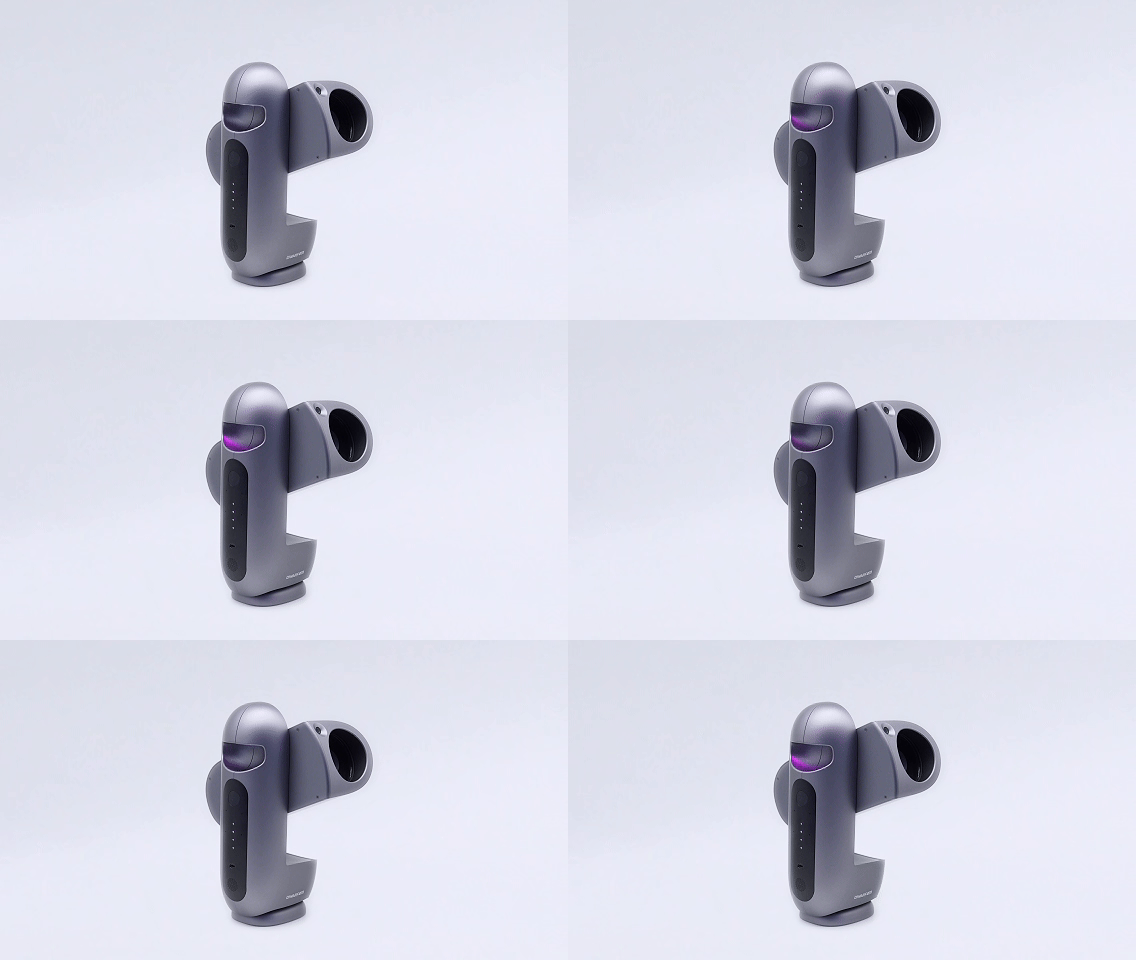
Astro task failed
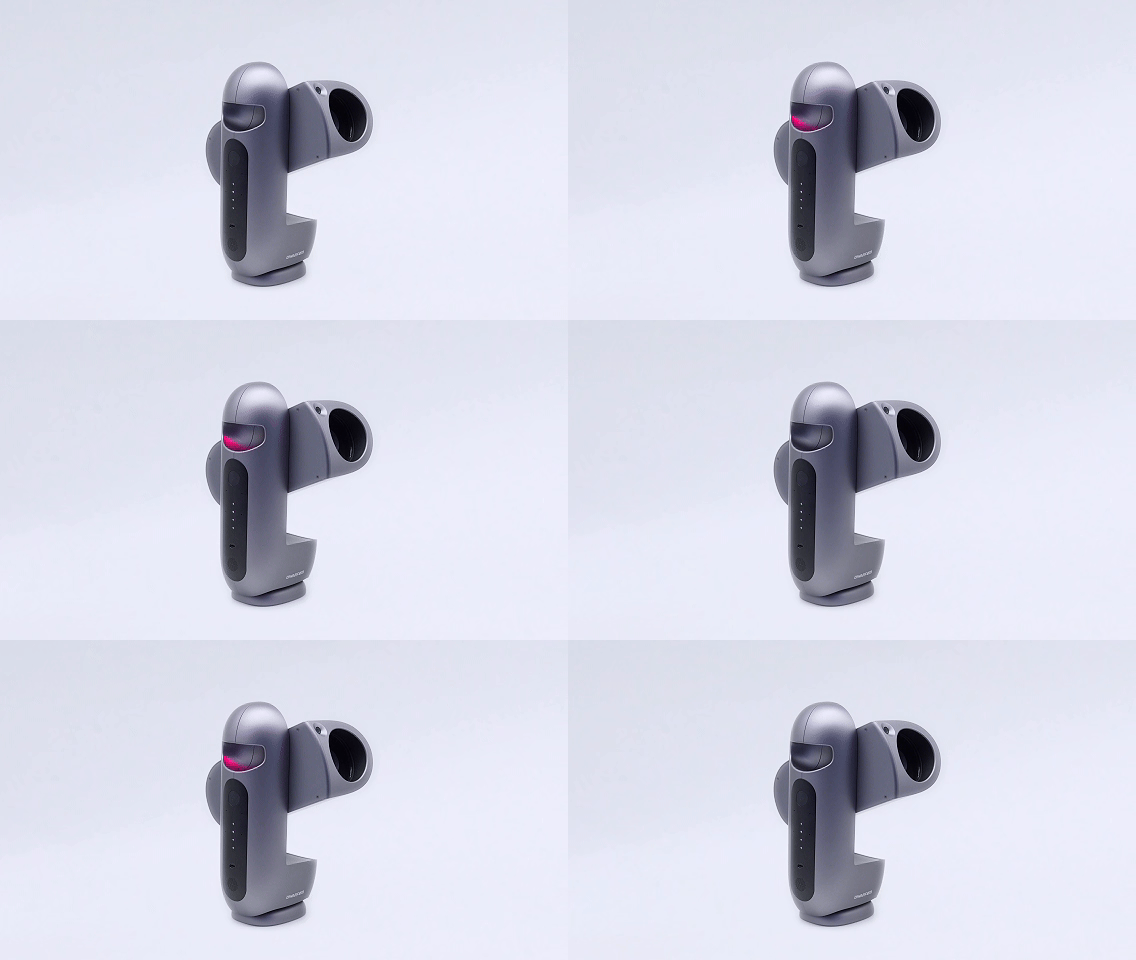
Time lapse in progress
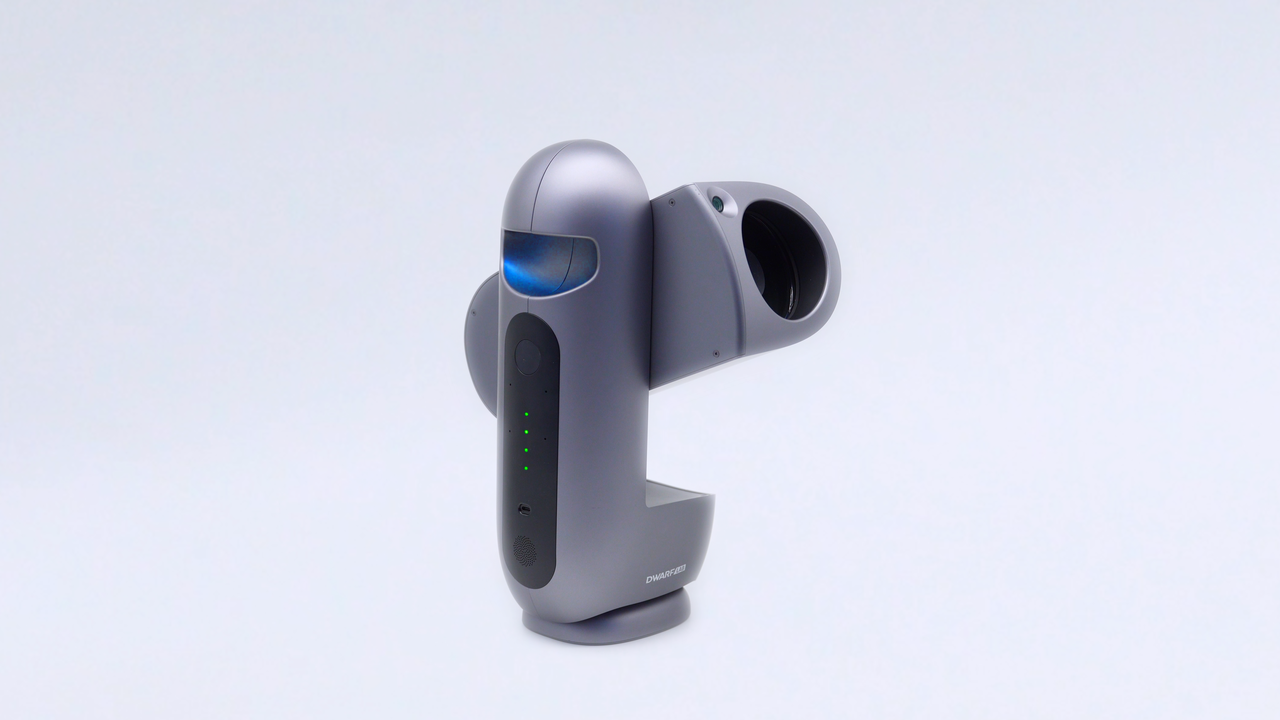
Astro tracking in progress
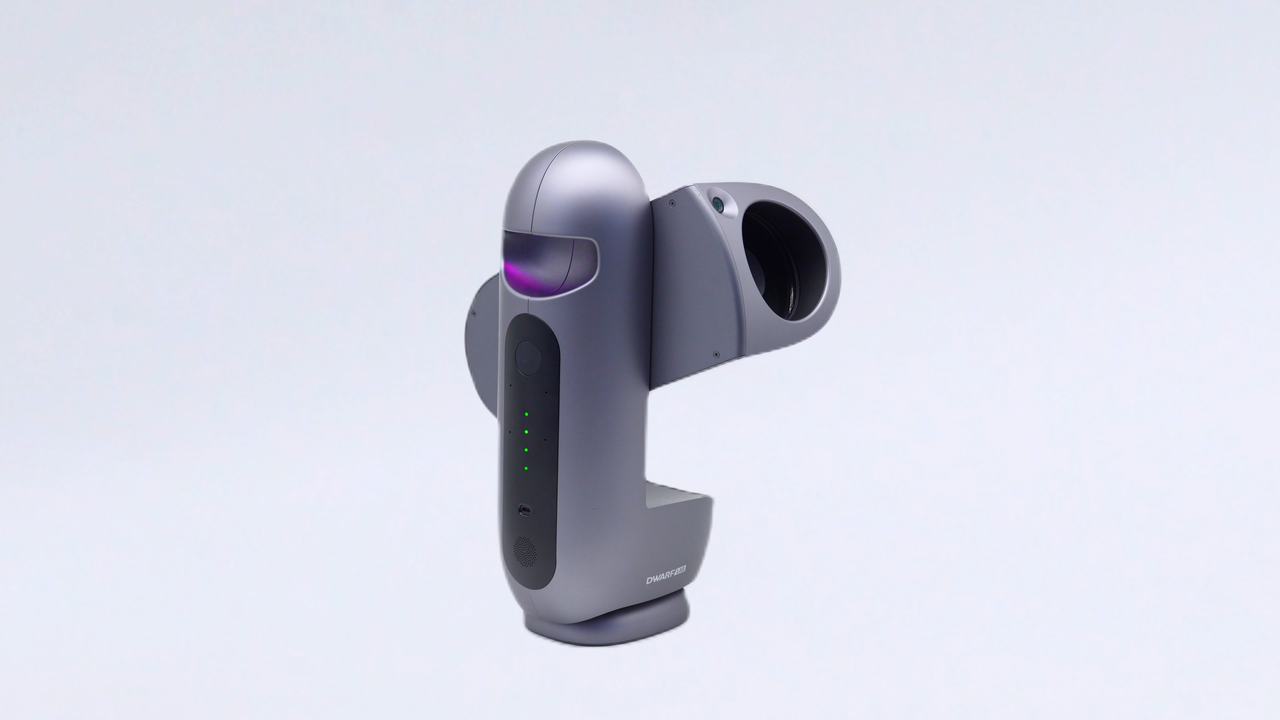
Pano in progress
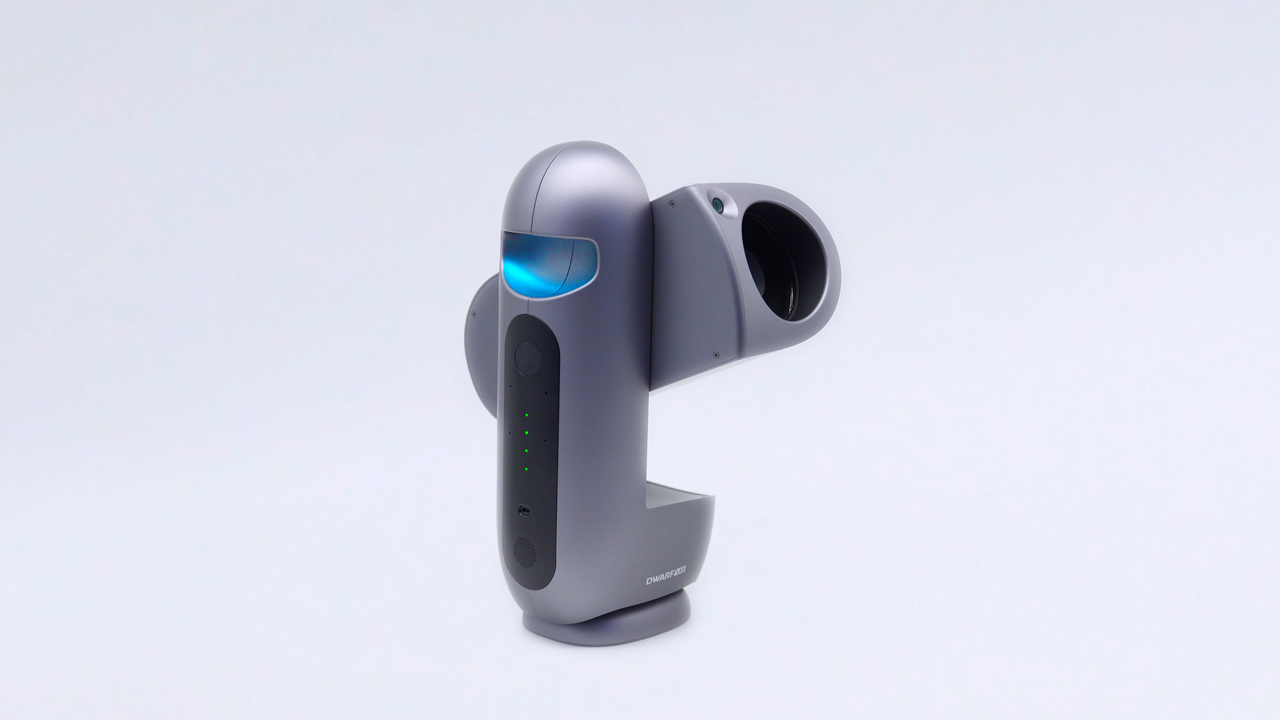
Astro stacking in progress
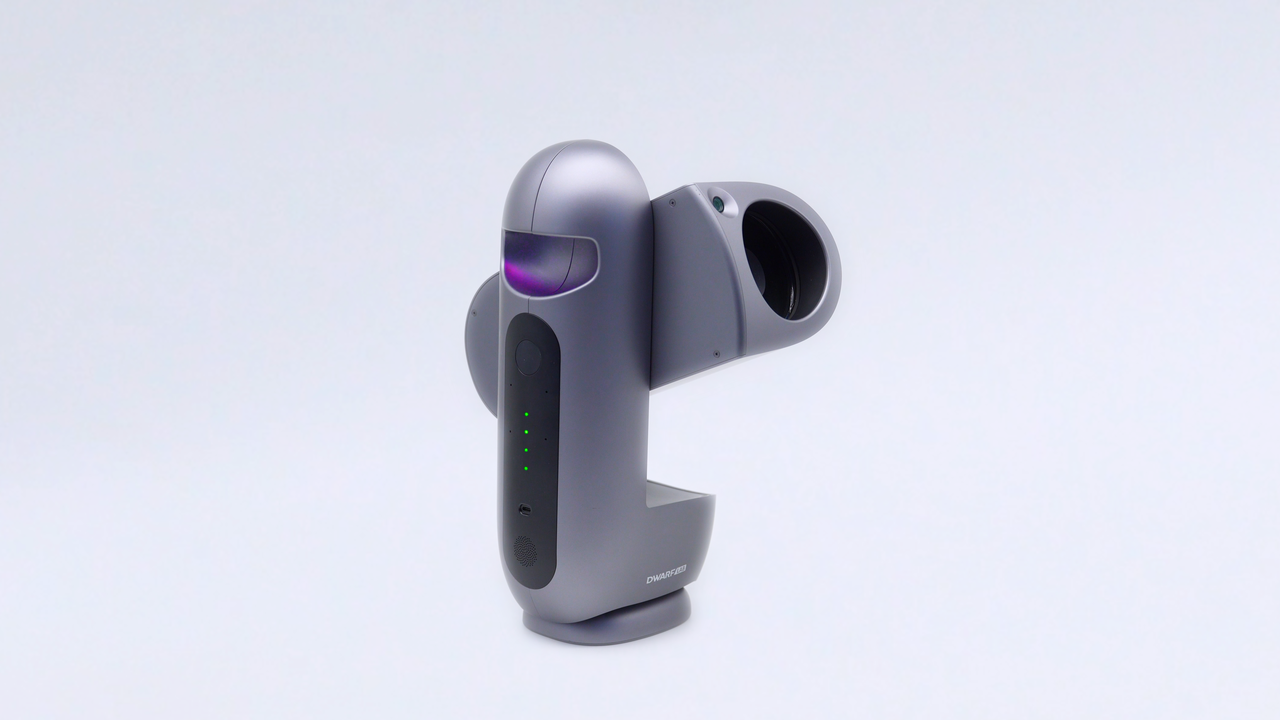
- Rotation
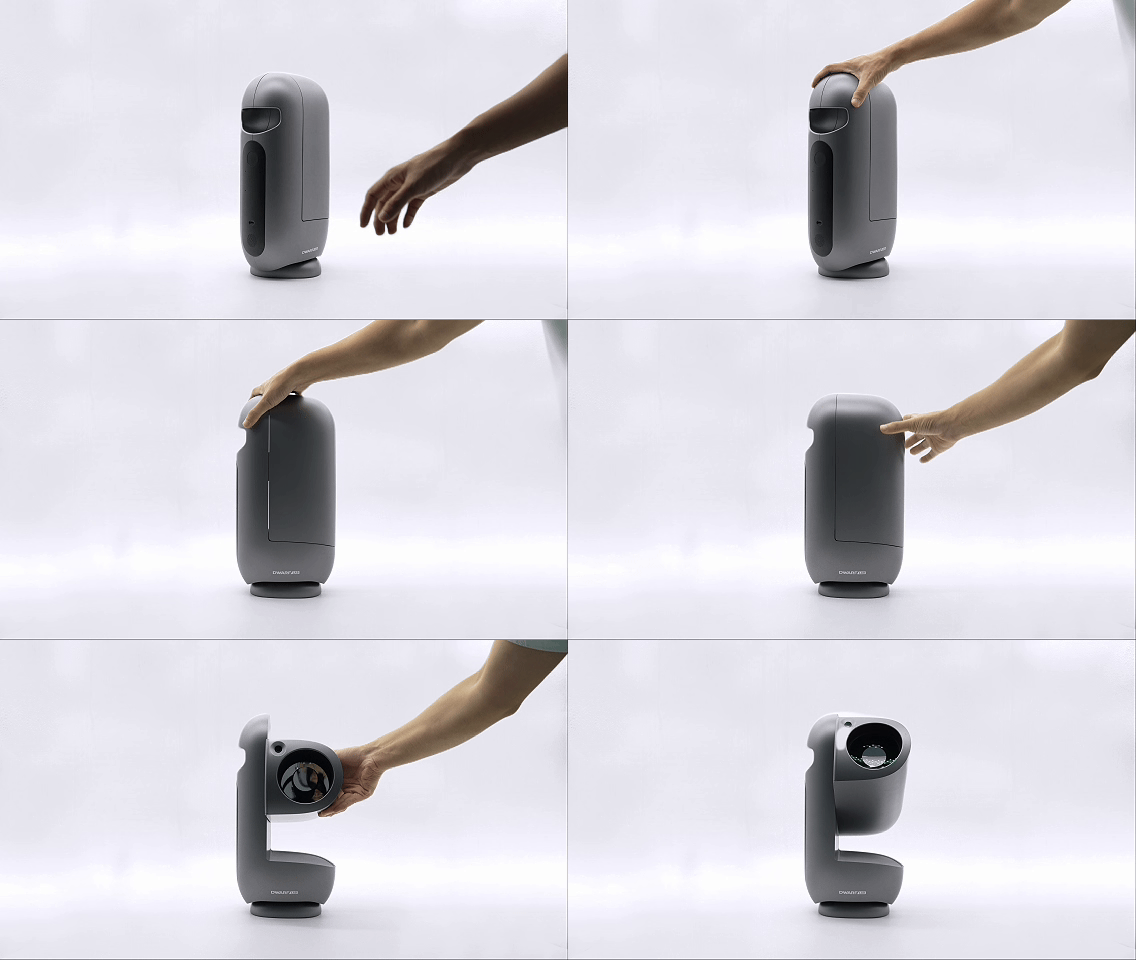
Use the virtual joystick or directional buttons in the App to rotate Draco. When the lens assembly reaches its tilt limit, it automatically moves back slightly.
The lens assembly has a tilt range of 310° with mechanical stops. Do not force it beyond these stops. The base can rotate continuously without mechanical stops.
- Charging and File Export
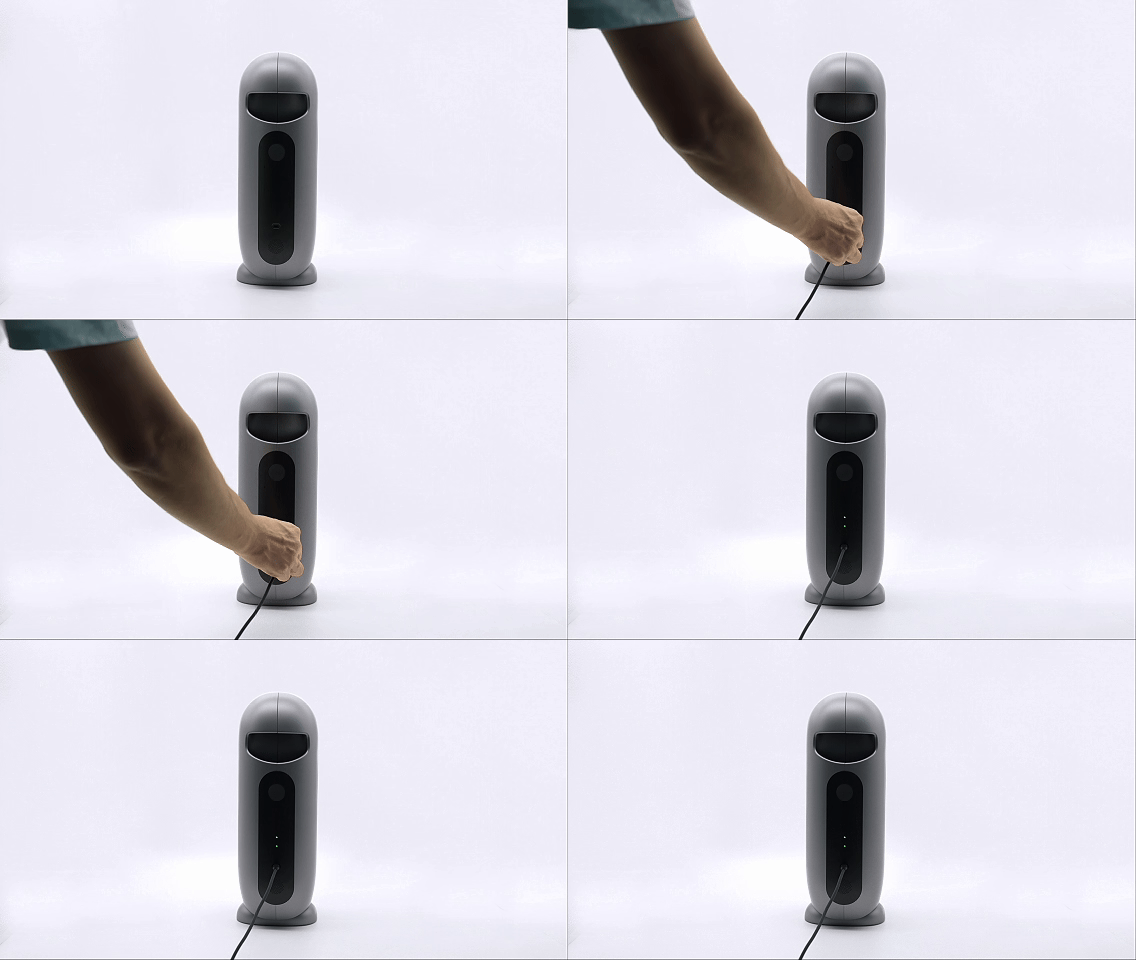
Charging:
Draco supports standard charging, fast charging, and charging while in use.
Choose a Charger
- Recommended: A 45W USB-C PD charger with a 12V ⎓ 3A output profile.
- Cable: Use a USB-C to USB-C cable rated for at least 3A / 60W.
- Maximum input: Draco accepts up to 36W, shared between running the device and charging its battery. A compatible higher-rated charger, such as a 65W model, can also be used, but it will not increase this limit.
- Lower-power charging: A 20W USB-C PD charger is the minimum recommended option. Check that its listed output profiles include 9V ⎓ 2A and 12V ⎓ 1.5A. It will not provide the maximum charging speed.
- Standard charging: Use a USB-A to USB-C cable with a 5V power supply.
Check the output profiles, not just the wattage. For the recommended charging setup, the USB-C port you use must support 12V ⎓ 3A. A charger labelled 45W or 65W does not necessarily provide that output profile.
Use a Power Bank
For extended imaging sessions, choose a USB-C PD power bank with 12V ⎓ 3A output.
To add approximately 5 hours of astronomical imaging, we recommend a capacity of at least 25,000mAh at 3.7V (92.5Wh). Actual additional runtime varies with capture settings, temperature, and power-conversion losses.
Power banks may use different voltages when stating their capacity. Check the Wh rating as well as the mAh rating when comparing models.
Charging Time and Battery Life
At an ambient temperature of 25°C (77°F), charging from 0% to 100% takes approximately 3.5 hours using a 45W USB-C PD charger with 12V ⎓ 3A output.
At the same ambient temperature, Draco’s built-in battery provides approximately:
- 7.5 hours in Video mode, with the telephoto camera recording at 3840 × 2880 / 30 fps and the wide-angle camera at 2048 × 1536 / 30 fps.
- 5 hours in Astro mode, including tracking, continuous imaging, active cooling, and fan operation.
Actual charging time and runtime vary with operating conditions.
Charging Notes
- Charge Draco at an ambient temperature of 0–45°C (32–113°F).
- Draco can operate and charge its internal battery at the same time. Part of the input power runs the device, so charging may take longer while it is in use.
- While Draco is powered on and charging, the 15-minute idle Auto Power Off does not apply. Shut it down manually when needed.
- If external power is disconnected and the internal battery level is above 8%, Draco switches to internal battery power without interrupting imaging. At 8% or below, imaging stops and the device may shut down.
File Export
Power on Draco and connect it to your computer using a USB-C to USB-C or USB-A to USB-C cable that supports data transfer. Open Draco’s USB drive to copy your files. For step-by-step instructions, see Export Files to a Computer below.
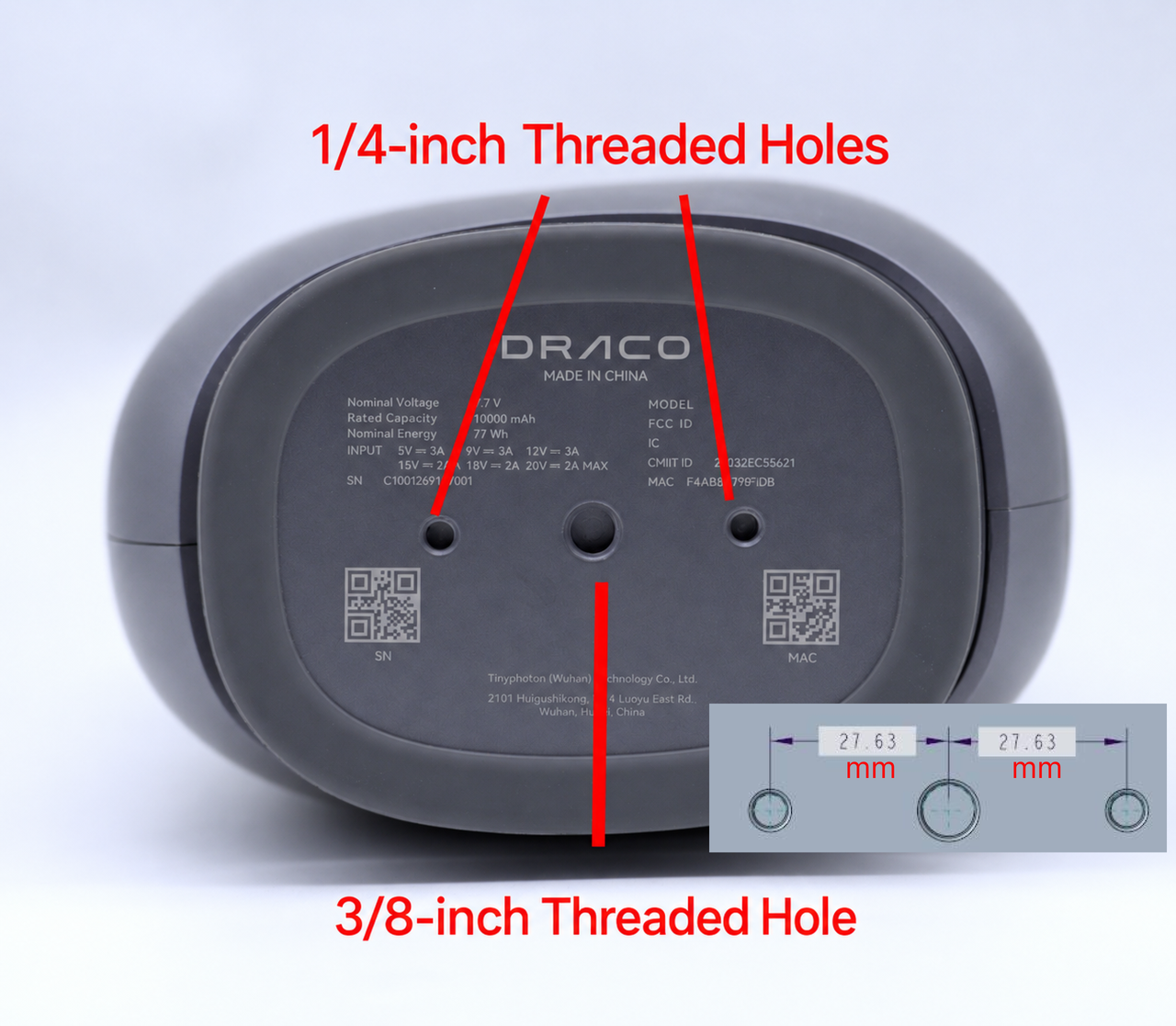
- Threaded Mounting Holes